9. Reports
The option is used to view and manage the saved vehicle diagnose reports and inspection records.
On the main interface, click Reports to enter the following page:
9.1 All Reports
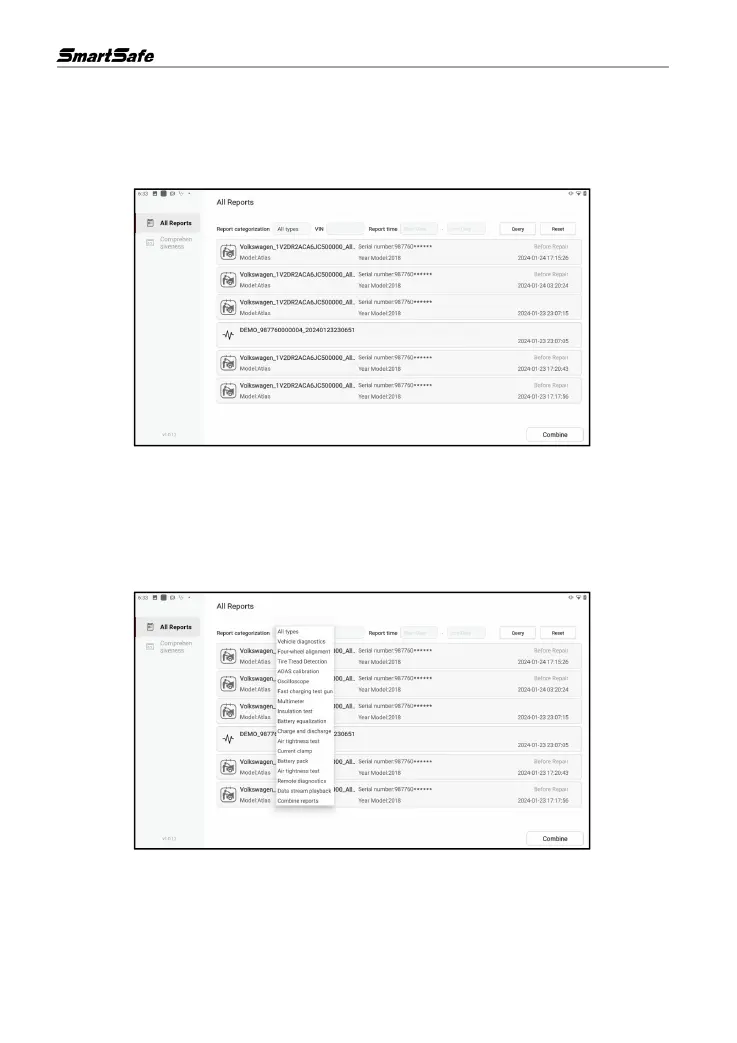
Click All Reports, here you can view all the inspection reports saved on the device, and users can
filter the reports they need to view according to the conditions.
Report categorization: Click the drop-down list, select different applications and then click Query
to filter out the corresponding inspection reports of the application.
VIN: Enter the vehicle VIN and click Query to filter out all the inspection reports corresponding to
the VIN.
Report Time: Enter the date interval and click Query to filter out all the inspection reports saved
during the period.



 To Next Page