9.2 Comprehensiveness
Used to generate single inspection reports with the same work order number into a comprehensive
report automatically by the multi-device collaboration cloud reporting system.
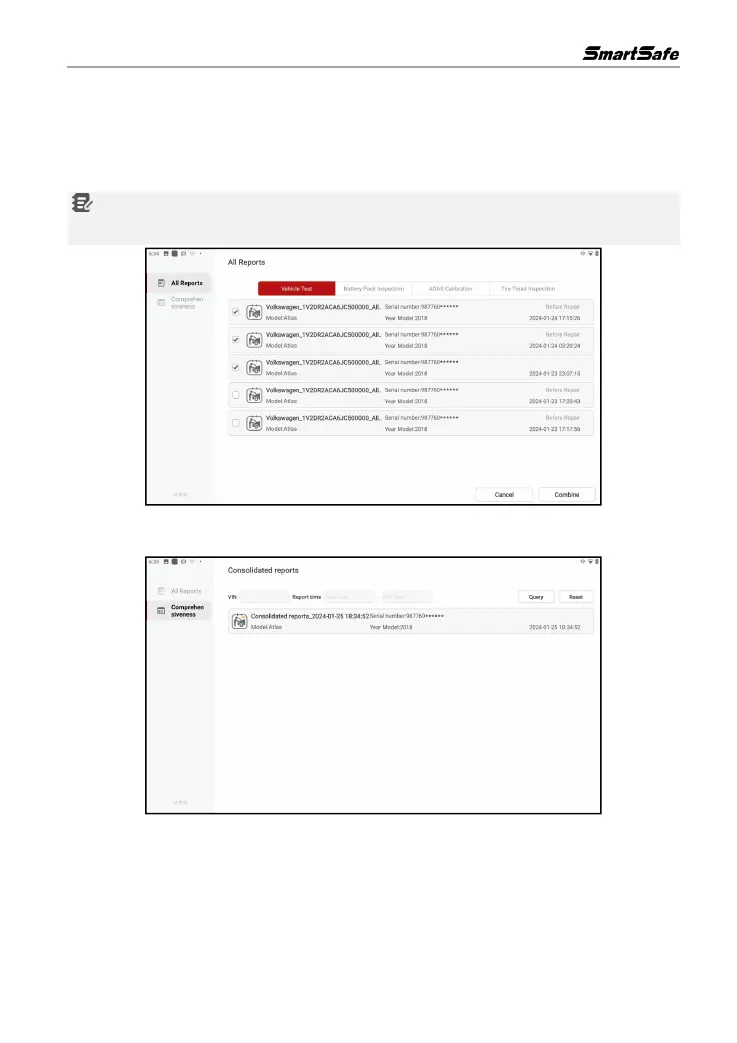
Click All Reports -> Combine, select the reports to be combined and click Combine.
Notes: Please select the reports of the same vehicle to be combined, the reports of different
vehicles cannot be combined.
After the reports are combined, the generated comprehensive reports can be viewed in
Comprehensiveness tap.



 To Next Page