10. Feedback
If there is an unsolvable problem in the diagnosis or a problem with the diagnostic software, the
user can give us feedback on the problem (the last 20 test records). After we receive your feedback,
we will follow up and deal with it in time in order to improve the quality of our products and user
experience.
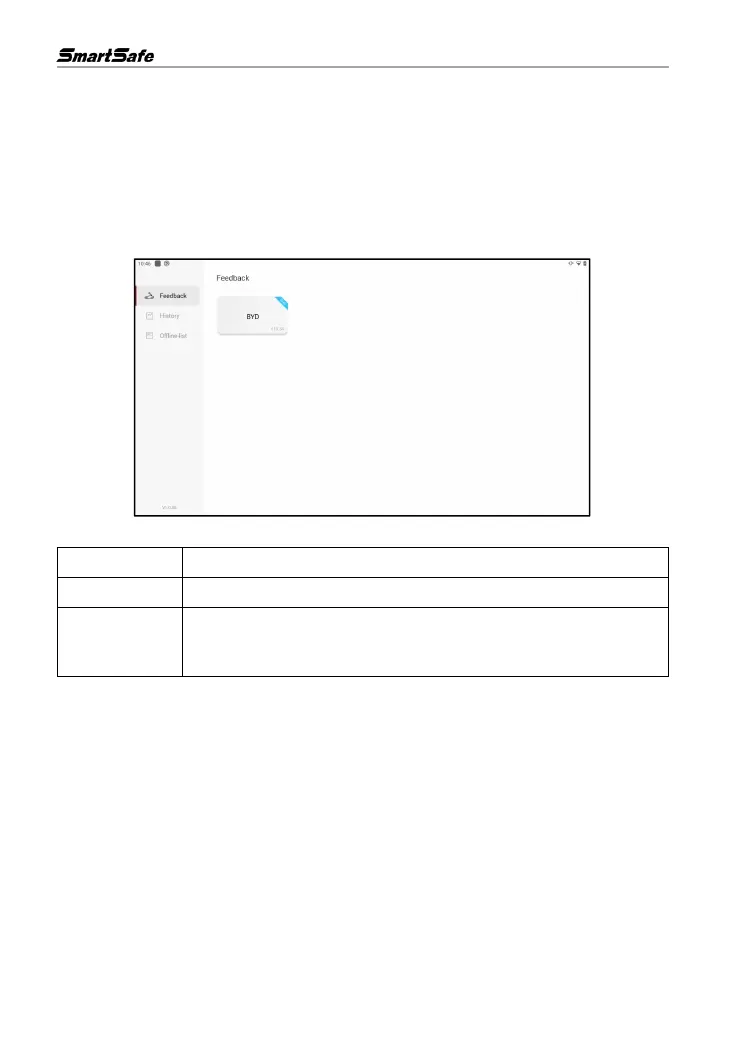
On the main screen, click Feedback to enter the following page:
There are 3 options available:
Display the list of all inspected vehicle models.
Click to view the processing progress of all submitted diagnostic feedback.
Click to view the diagnostic feedback that failed to upload due to network
problems. Once the network is restored, the system will automatically upload
to the server.
Under the Feedback tab, click the diagnostic records of corresponding vehicle models or special
functions to enter the corresponding feedback page.



 To Next Page