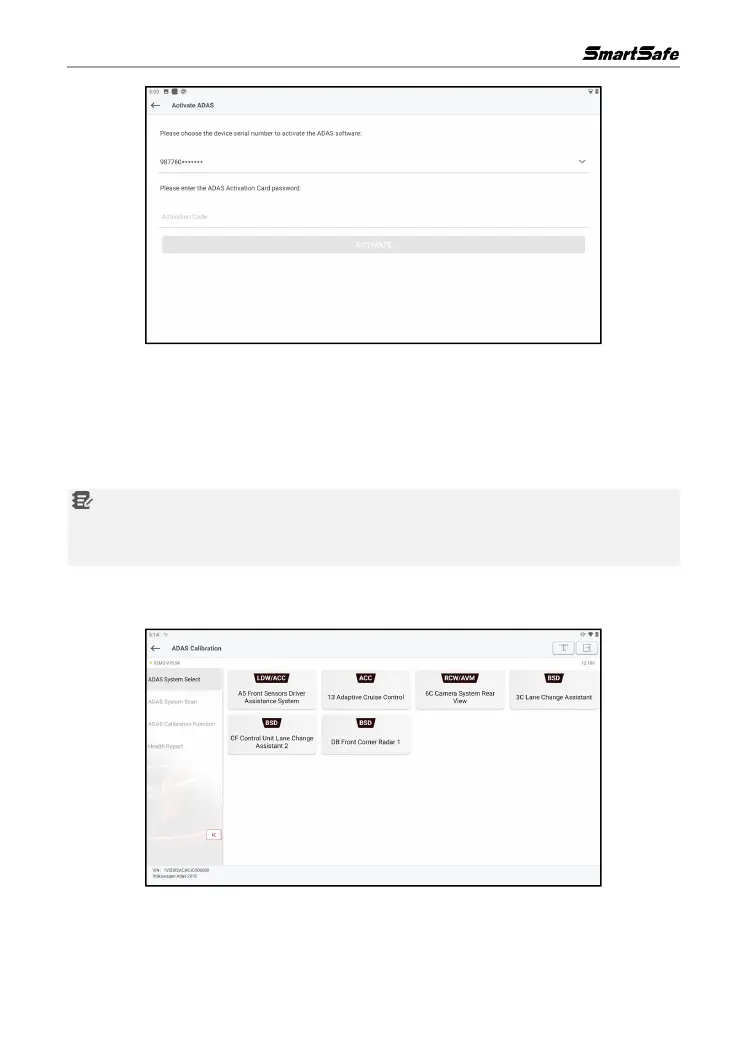
(4) After successful activation, the ADAS calibration function can be used normally.
6.2 Start Calibration
The user is required to follow the calibration prompts on the tablet to perform the calibration
operation. The following is an introduction to the ADAS calibration function, using the ADAS DEMO
program.
Notes: Before performing the ADAS calibration operation, please make sure that the VCI
connector is connected to the vehicle diagnostic seat and its communication with the tablet is
normal.
6.2.1 ADAS System Selection
Use the function to select the ADAS system that requires ADAS calibration.
6.2.2 ADAS System Scan
Use the function to scan which ADAS systems are installed on the test vehicle.



 To Next Page