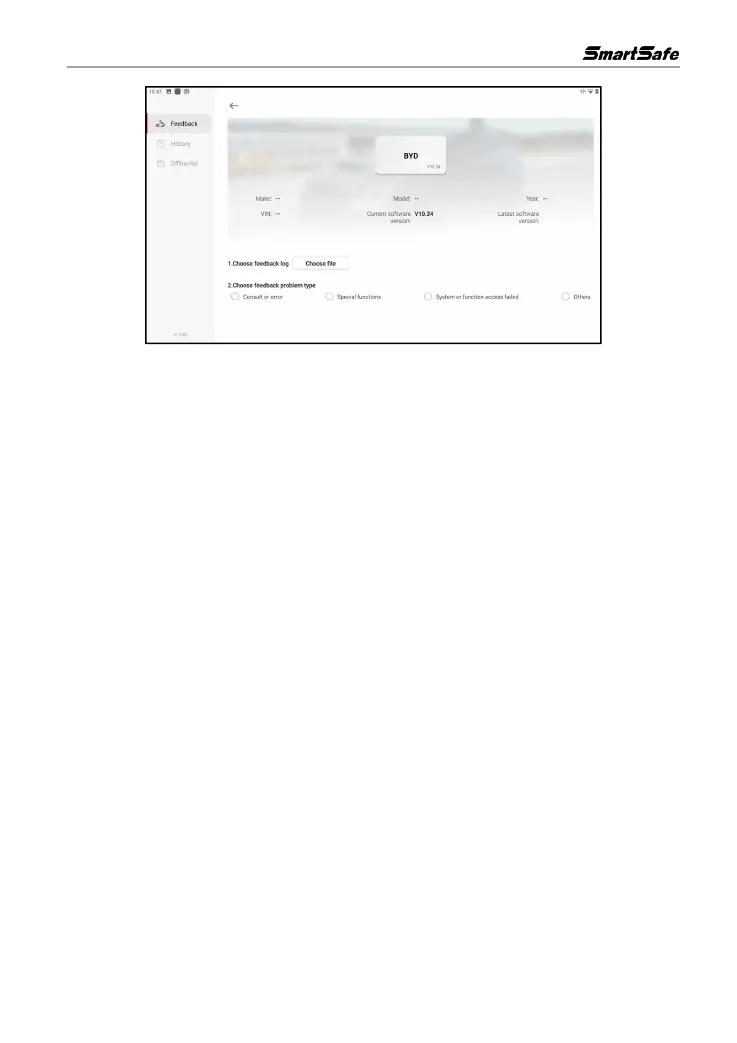
Click Choose file to open the target folder, select the diagnostic logs you need to feedback, and
then select the corresponding diagnostic feedback problem type. Input the specific fault description
and contact information of the feedback person, and then click Submit Result to send it to us.
After we receive your feedback, we will follow up your feedback report in time, please pay attention
to the progress and result of the diagnostic feedback in History tab.



 To Next Page