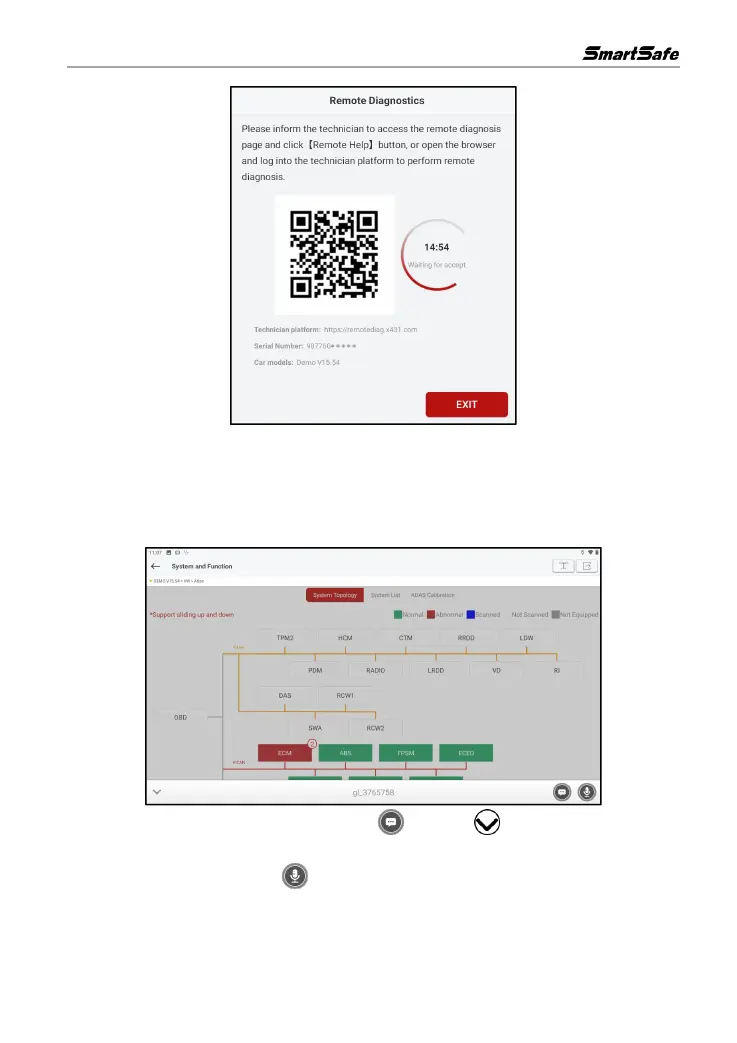
Notify the service technician to assist in remote diagnosis. You can take a picture of the dialog box
shown above and share it with the technician, who can scan the QR code and log in to the
technician platform for remote diagnosis, or carry out remote diagnosis based on the serial number
of the inspection connector, the owner's cell phone number or the license plate number provided by
the user.
In the process of remote diagnosis, click on the button or button at the bottom of the
screen to open the chat interface, which allows interactive communication between the user and
the technician. Press and hold the button to record voice, and release your finger to send after
recording.



 To Next Page