SEMI-AUTOMATIC
17
5.1.1 Insertion and removal of the batteries
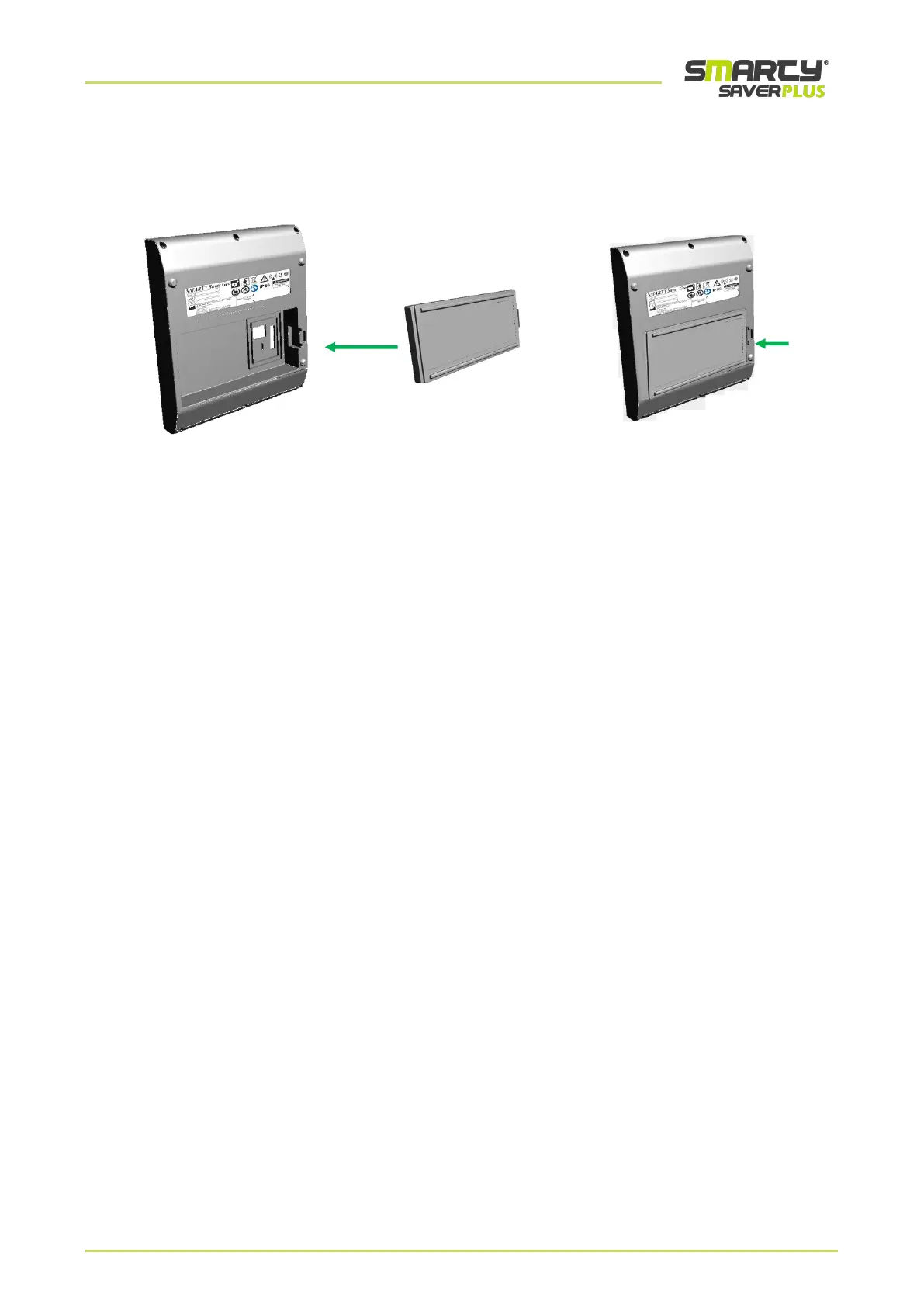
Below please find detailed instructions for the correct installation of the battery in the device
SMARTY Saver Plus.
• Place the device as shown in figure (first on the left)
• Place the battery as shown in figure (central)
• Inserting it in the dedicated compartment, push the battery as shown in figure (last on the right)
Follow the instructions below to remove the battery from the device:
• Make sure the device is switched off.
• Pull on the tab on the side of the battery and take the battery out of the dedicated compartment as shown in
figure (last on the right).



 To Next Page