SEMI-AUTOMATIC
29
8 Recording, displaying and storing the data
The SMARTY Saver Plus defibrillator records and stores, on the external memory (if present), the files generated each
time the device is switched on and after each self-test (AEDLOG) and the data of the rescues performed (AEDFILE).
The number and duration of the recordings depend on the storage capacity of the µSD Card; an 8 GB µSD card makes it
possible to store approximately 400 hours of recordings/data.
8.1 Files that can be stored.
The data that can be stored on the µSD Card external memory can be divided into two types of files:
• AED1LOG.txt: files generated whenever the device is manually switched on and after each automatic self-test
performed by the device, with its outcome. The files can be displayed on a PC using a simple software that
reads them.
• AEDFILE.aed: data of the rescue, such as environmental recordings (audio), ECG trace, patient data (patient
Heart Rhythm and thoracic impedance) and all events of the rescue. The files can be displayed on a PC with the
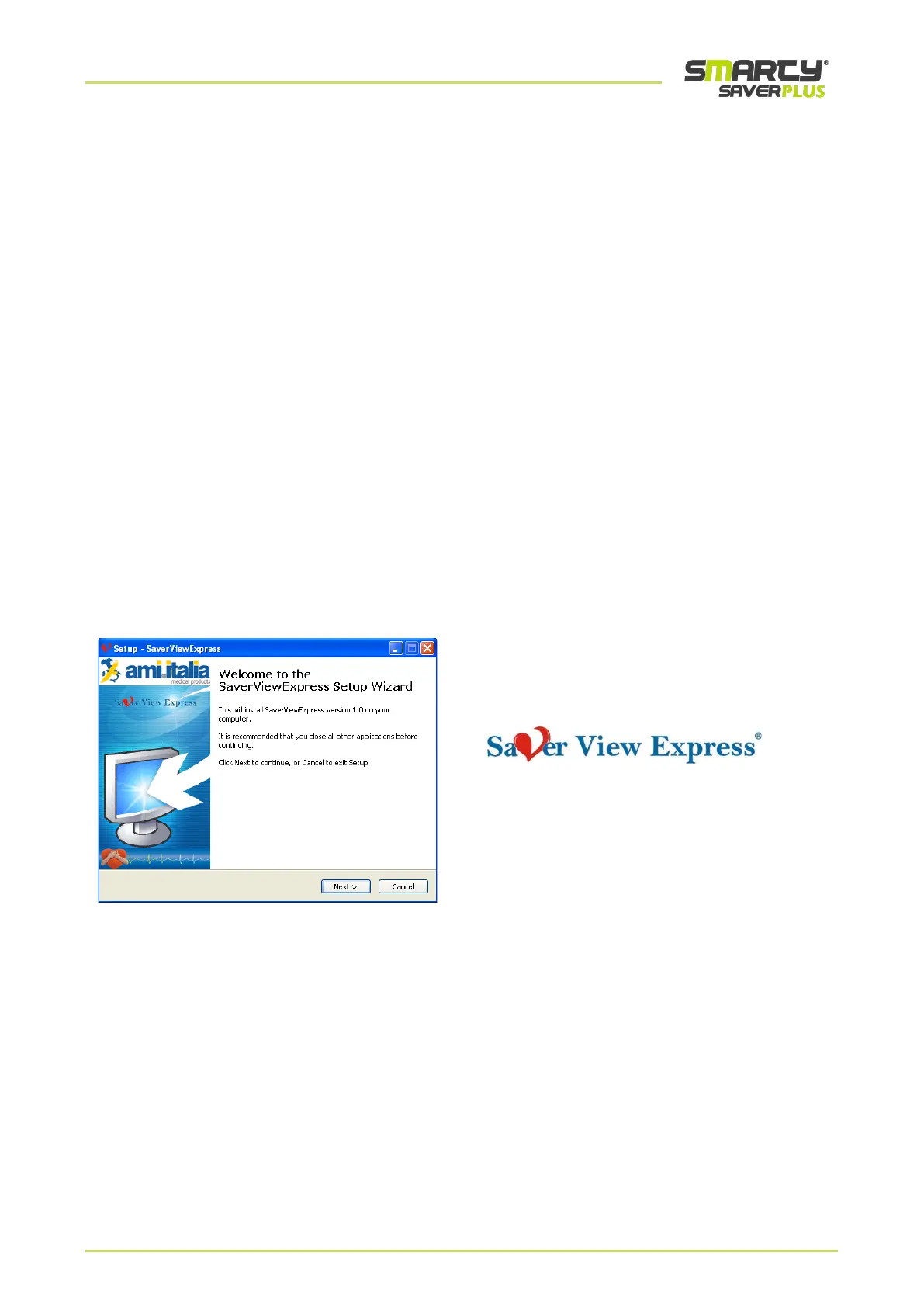
Saver View Express software owned by Ami Italia.
8.2 Storage of data on a PC
The data recorded by the SMARTY Saver Plus defibrillator and saved on the µSD external memory can be stored in,
analysed by and printed from a PC with the management software Saver View Express (SAV-C0950).
Note: For more details on the PC Saver View Express software, please consult the related user manual.



 To Next Page