SEMI-AUTOMATIC
31
9 Maintenance
The SMARTY Saver Plus defibrillator was designed to make maintenance operations simple and automatic. In fact,
thanks to the control tests performed by the device itself, no extraordinary maintenance is required, just scheduled
maintenance which consists in visually checking the control LED, at the same time as visually checking the related
accessories.
If assistance is required during the device’s installation or to report any malfunctions, please use the following contact
details:
email:info@amiitalia.com; Tel.:+390818060574; website:www.amiitalia.com
9.1 Maintenance after use
After having used the SMARTY Saver Plus defibrillator, it is necessary to perform the following operations to ready the
device for subsequent uses:
1 Check the presence of the memory card (if present) and its residual capacity
2 Check that the control LED is on and blinking green
3 Replace the pads with a new pack
9.2 Scheduled maintenance
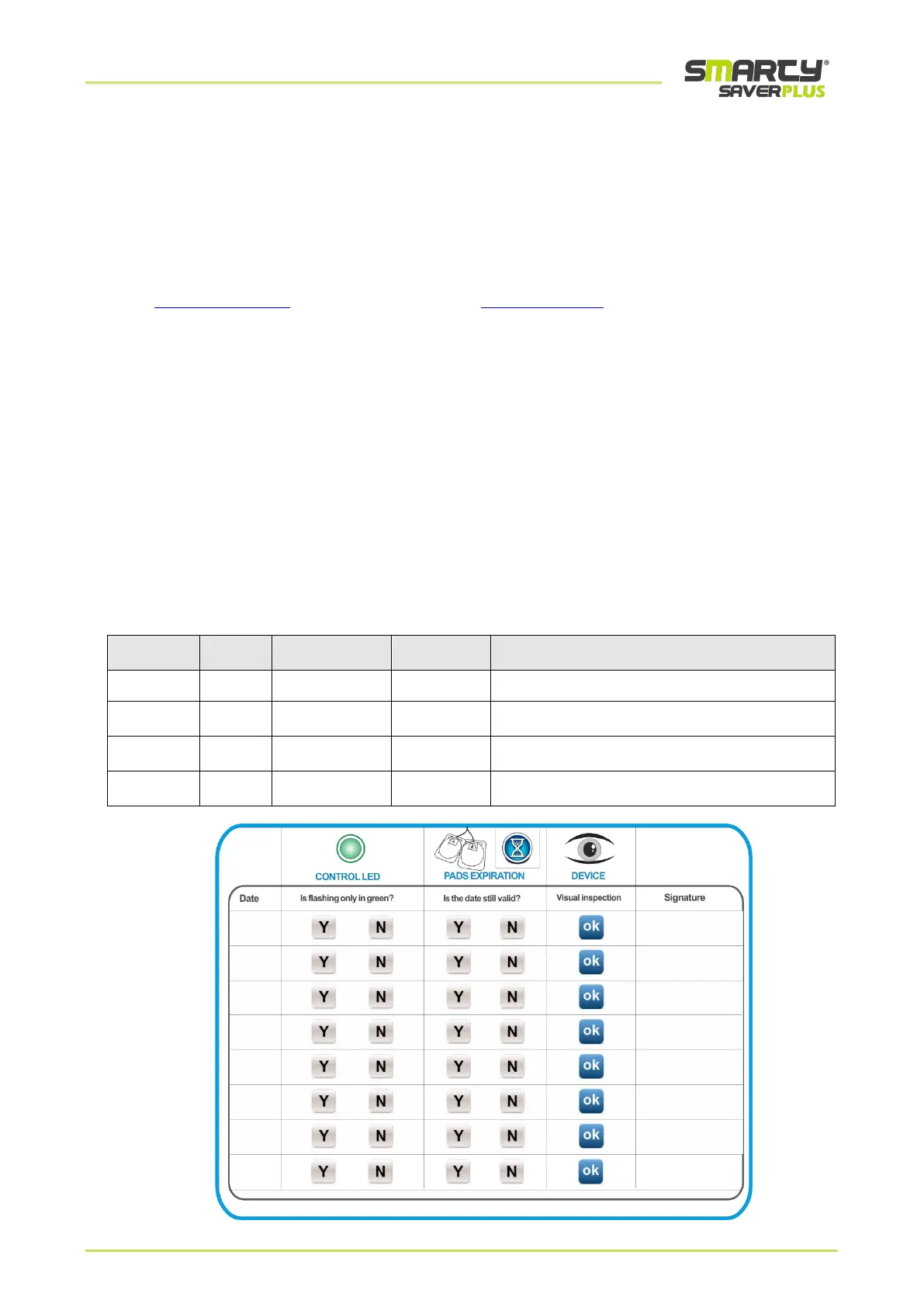
Thanks to the tests performed by the device itself, scheduled maintenance will require a simple and quick visual
inspection following the operations described in the table:
Check the integrity of the device, of its parts
and of the accessories supplied



 To Next Page