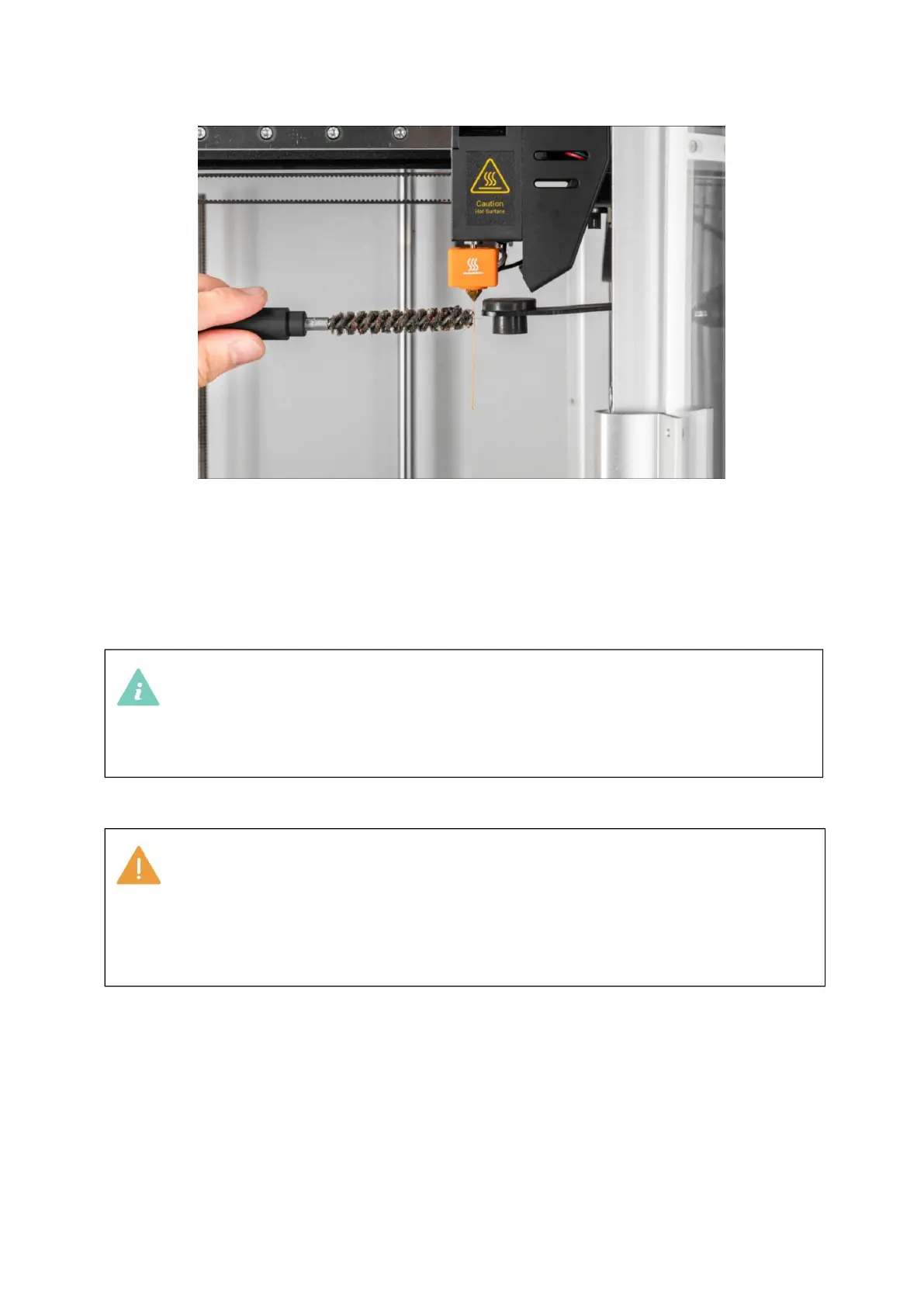
By default, the nozzle will be heated to 200°C (392°F). The Unload
and Load buttons can only be clicked when the nozzle has been heated
to approximately the preset temperature.
Different filaments require different heating temperatures. If the
temperature does not match, the filaments may not be removed
smoothly. It is recommended to consult the information provided by
the filament manufacturer for more detailed guidance.
Manual Loading
Manually Unload Filament
1. Tap Control > extruder > Slide to Target Temperature > Tap Heat.
2. Remove the guide tube from the tube clip.



 To Next Page