3D printing operation
This chapter takes the complete workflow of 3D printing as the context, and introduces the
operation steps of each link in detail.
3D Printing Workflow
01 Prepare the machine
a.
Check the working environment
b. Calibration
c. Load Filament
d.
Select the Glass Platform Print Side
02 Prepare G-code file
a.
Prepare the model file
b. Slice the model using Snapmaker software
(third-party software supported) and
generate G-code
03 Select file to start printing
a. Send G-code to machine
a)
Send online
b)
USB flash drive
b.
Print online on Snapmaker software
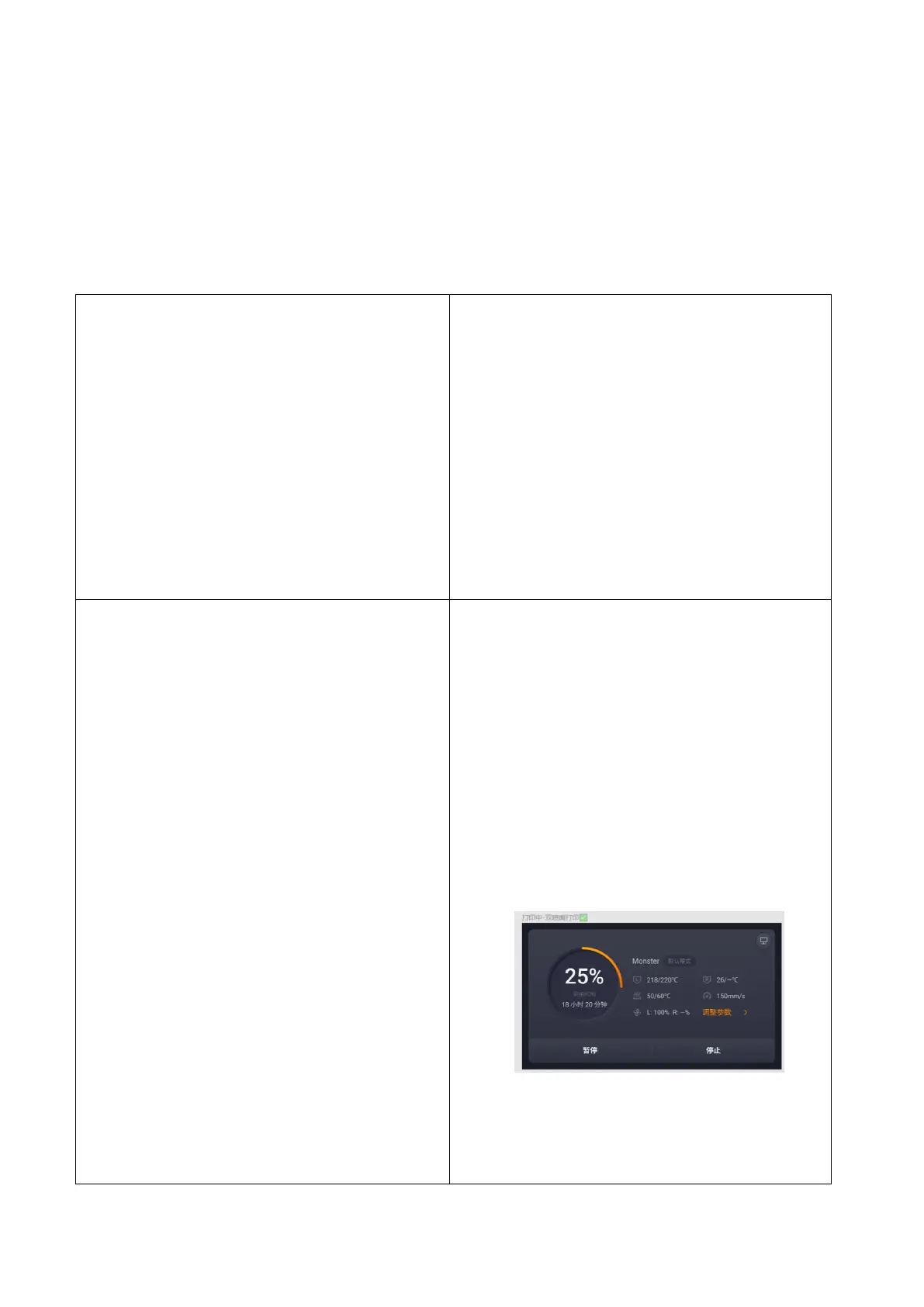
04 Print menu
a. View print job information
a)
Print progress
b)
Nozzle temperature
c)
heated bed temperature
d) Print speed
e) Nozzle flow
b.
Pause or stop printing



 To Next Page