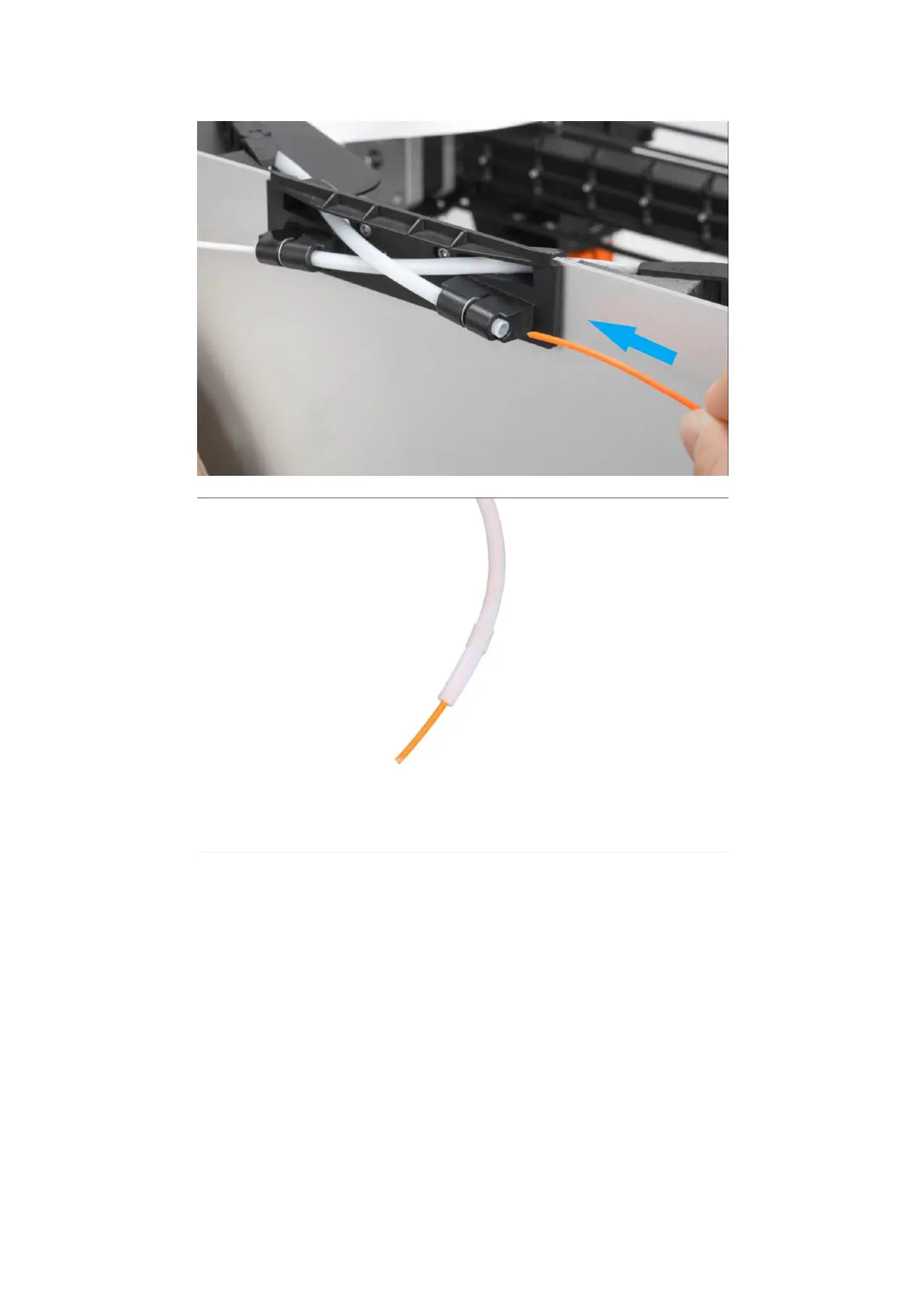
6. On the touchscreen, slide to the temperature required to heat the filament.
7. When the extruder reaches the target temperature, push and hold the toggle on
the side of the extruder outward, insert the filaments into the feed port
until the filaments flow out of the nozzle, and then release the toggle.



 To Next Page