The nozzle temperature can be as high as 300 ℃. Make sure that the
nozzle has cooled to room temperature before proceeding, otherwise
burns may result. It is recommended to wear insulated gloves for
operation.
2. Wait for the current nozzle temperature displayed on the touchscreen to drop to
room temperature.
3.
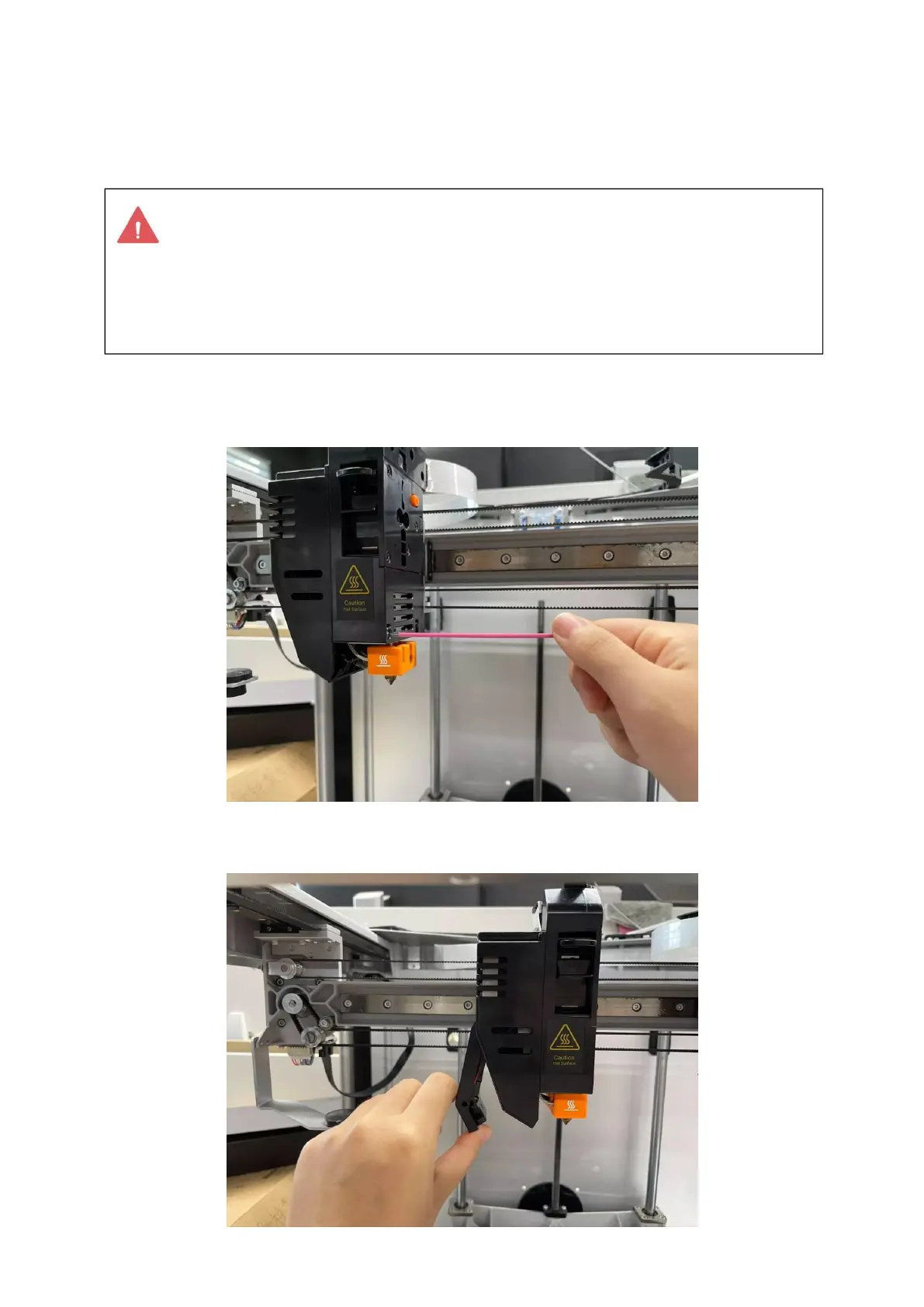
Loosen the two screws on the side of the extruder with the provided pink hex
key (size H2.0) in the tool box without unscrewing.
4. Gently pull outward to open the side cover of the extruder.
5.
Pinch the hot end sleeve and gently push down to remove the hot end.



 To Next Page