Do not place sundries on the bottom plate, otherwise the heated bed will
not return to the correct position.
Clean the bottom plate
Maintenance scenario
During everyday use of the printer, some of the filament debris or small parts collect on
the backplane. Accumulated filament debris may prevent the printer from working properly if
it is not cleaned in time.
Maintenance frequency
At least once a month.
Maintenance method
1. On the touchscreen, tap Control > Move, then tap the button in the Z direction to raise
the heated bed.
2. Clean the printer backplane with a cloth to remove any visible dirt or foreign material.
Pay special attention to the area near the Z-axis lead screw, where the accumulation of
impurities may prevent the heated bed from moving properly.
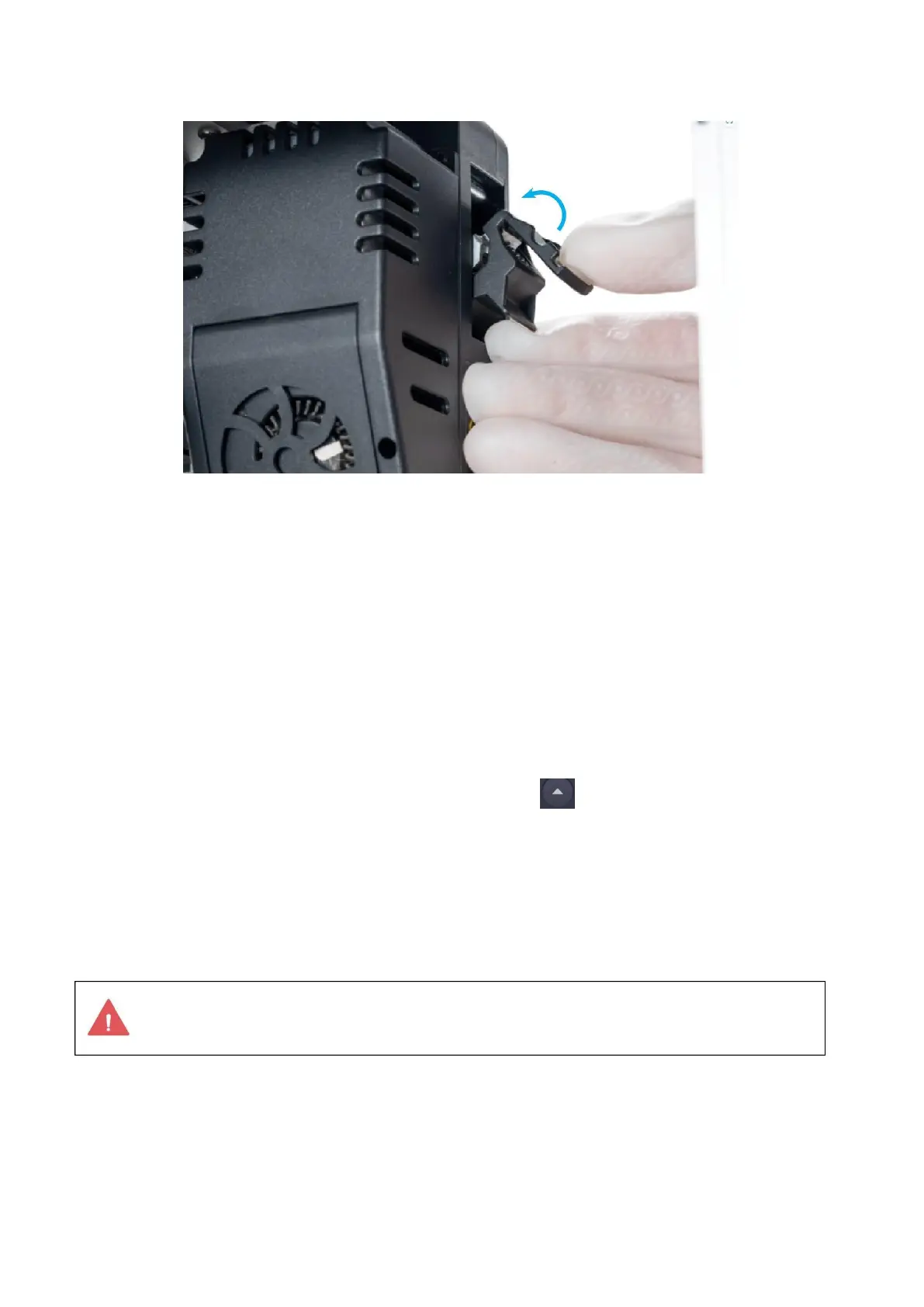
Adjust the tension of the belt
Maintenance scenario



 To Next Page