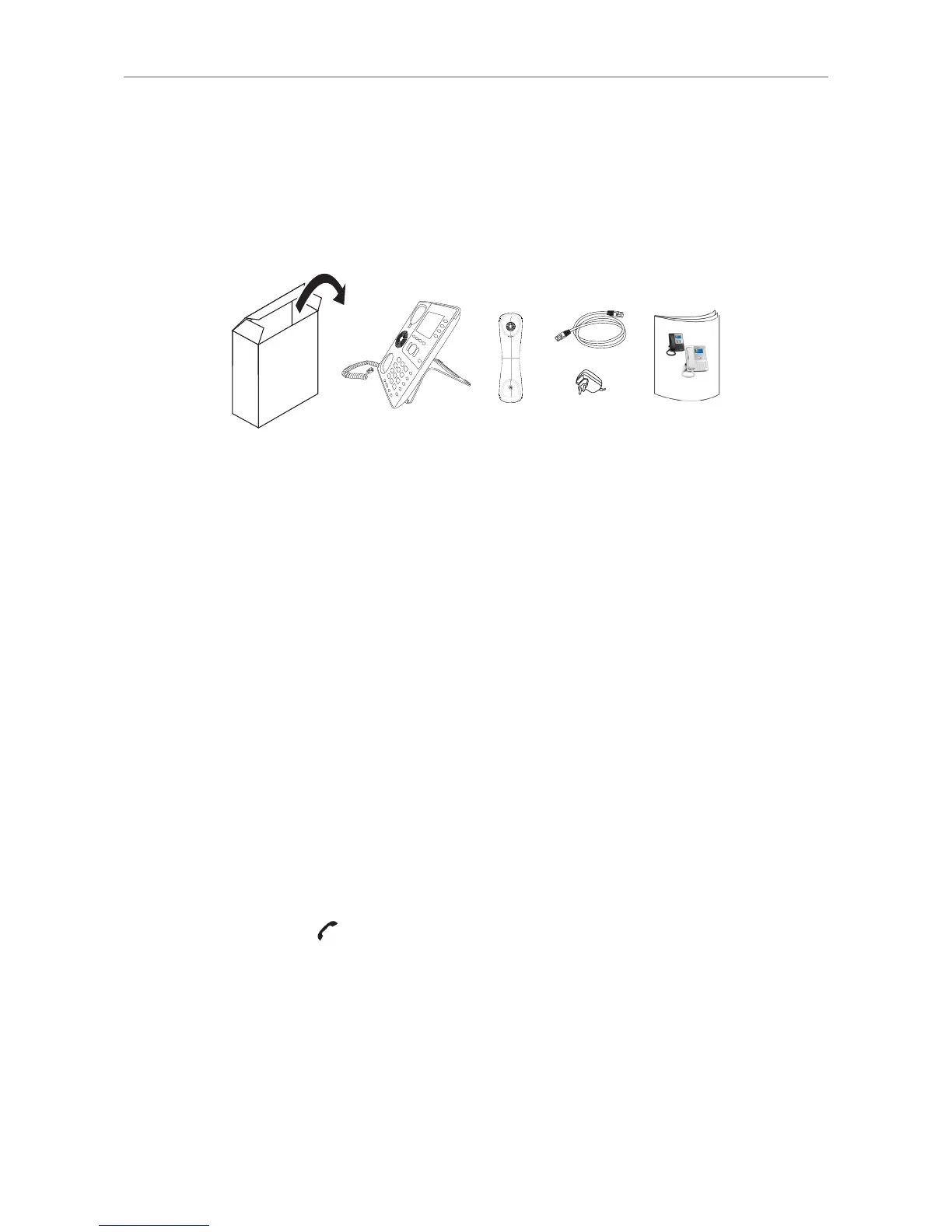
• Base phone unit
• Footstand with bracket and 2 screws (attached to phone unit)
• Handset
• Handset cord (attached to phone unit)
• Ethernet cable
• Power supply 5 V DC with EU/US connector
Note: Using the wrong power supply may cause damage to the phone.
Use only the power supply included with the phone.
Detaching and attaching the footstand
The footstand can be attached at two different angles: 55° and 33°. The phone is delivered with the
handset cord connected to it and the footstand attached at the 55° angle. Whenever you take the
footstand off and reattach it, be sure to leave the handset cord in place in the cable guide. If you need
to attach a new handset cord, follow steps 2 and 3, below.
1. To detach the footstand, unscrew the two screws holding it in place.
2. Leave the handset cord in place in the cable guide.
◦ If you need to attach a new handset cord, connect the long end of the handset cord to the
connector labelled " " on the back of the phone.
◦ Connect the short end of the handset cord to the handset.
◦ Place the cord in the cable guide in the right lower corner on the back of the phone.



 To Next Page