61
snom 821 User Manual Configuring the Function Keys
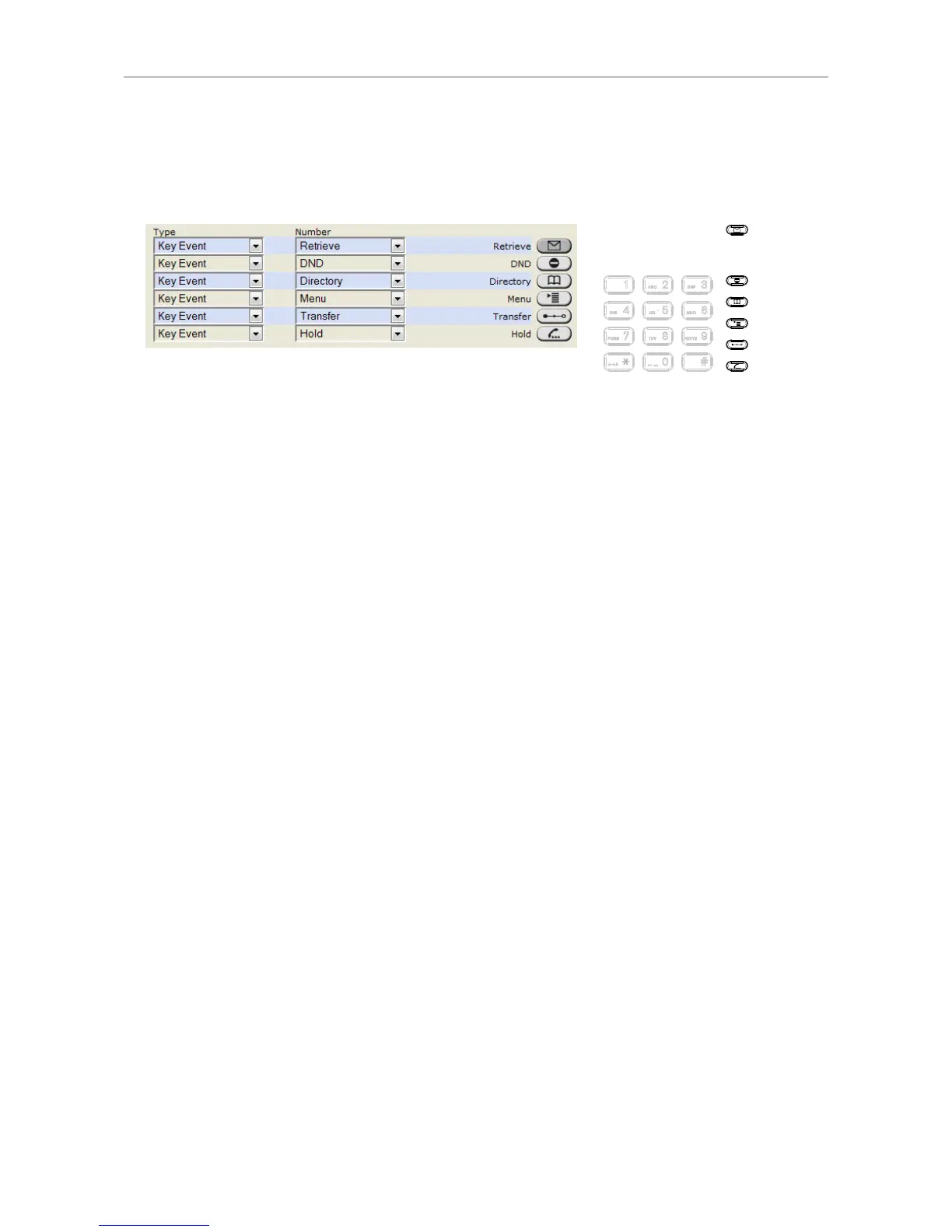
Dedicated, customizable function keys
The default setting is the respective key event printed onto the casing. Other key events and a
selected number of other functionalities can be programmed onto them.
a A
1
4
7
2
5
8
3
6
9
0 #
AB C D EF
JK LGH I MN O
PQ R S WX Y ZTU V
Programming the function keys
This chapter will show you a few examples for customizing function key settings to your needs and
preferences:
• First example: Extension monitoring and call pickup via a freely programmable function key with
LED
• Second example: Monitoring calls on-screen
• Third example: Speed dialing with a freely programmable function key with LED
• Fourth example: Turning forwarding of all calls on and off with a context-sensitive, programmable
function key



 To Next Page