69
snom 821 User Manual Customizing the Phone Settings
Selecting identity ringtones:
• On the phone: 1 Preferences > 3 Ringer. The identities are shown on the display.
◦ Select an identity with / and press to hear the current ringtone for that identity.
◦ Selecting a different ringtone: Press / to navigate up and down the list. The marked
ringtone is played. Press to save the marked ringtone as the new ringtone for the currently
selected identity and return to the identity screen.
• On the web interface (the ringtones will be played by the phone): Configuration Identity (1-12) >
Login.
◦ Click on "Play Ringer" to play the currently selected ringer. The ringer will be played on the
phone.
◦ To change the ringer, select a ringer from 1 to 10 in the drop-down menu of "Ringtone". If you
have selected the custom melody, enter the URL to the data file in the text field underneath. It
must be a file of the type PCM 8 kHz 16 bit/sample (linear) mono WAV.
◦ Click on "Apply" and "Save".
Adjusting the backlight
The display's backlight can be adjusted separately for the times when the phone is active and when the
phone is idle. Lowering the intensity saves power consumption.
Adjusting the backlight for active states
1. Press .
2. Press 1 Preferences.
3. Press 5 Display.
4. Press 1 Backlight on activity.
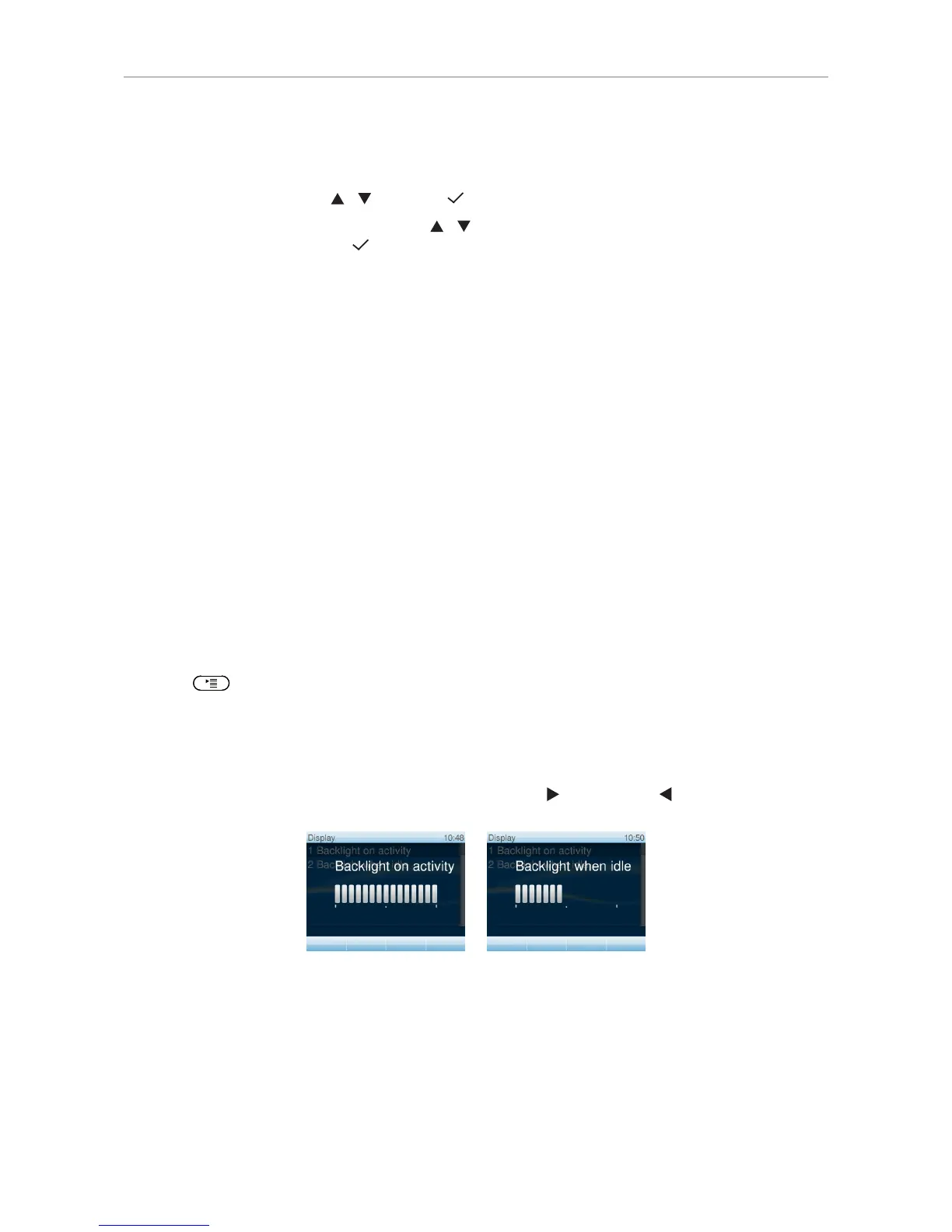
5. Press right or left arrow on the navigation key to increase ( ) or decrease ( ) the backlight's
intensity.
Adjusting the backlight for the idle phone
Starting with firmware version 8.7.3, the backlight for times when the phone is idle can be turned off
completely by reducing the intensity to one vertical bar. The phone will switch to the backlight's idle
setting when there has been no activity for the number of seconds specified on the phone's web
interface.



 To Next Page