60
snom 821 User Manual Configuring the Function Keys
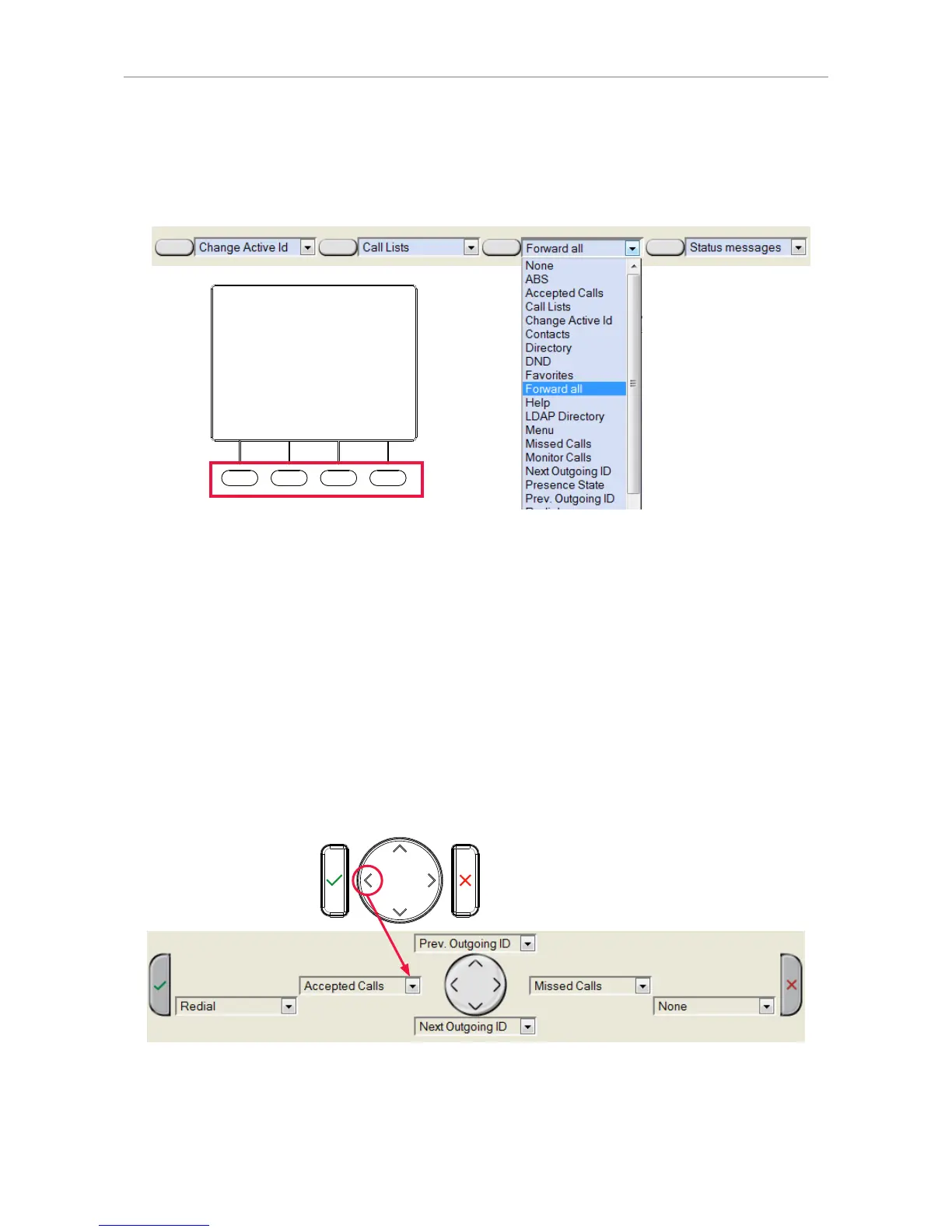
Context-sensitive, programmable function keys
For the default settings , see "At a glance" on page 18. You can select a different key event to be
available on each respective key when the phone is in idle mode.
Note: You cannot change the functions that are available when the phone is active, for
example when you are in a call, when the phone is ringing, etc. Depending on the activity,
different functions will be available.
See "Appendix 1 - Display symbols and icons" on page 82 for the lists of symbols and their
description.
Navigation, confirmation, and cancel keys
For the default settings, see "At a glance" on page 18. You can select a different key event to be
available on each respective key when the phone is in idle mode.
Note: You cannot change the functions that are available when the phone is active, for
example when you are in a call, when the phone is ringing, etc.



 To Next Page