59
snom 821 User Manual Configuring the Function Keys
Note: The programmable keys P1 - P4 are both hard keys and virtual keys. Their
functions can be accessed by pressing the hard keys P1 - P4 and, when the virtual
keys are on-screen, by pressing the alphanumeric keys 1 - 4.
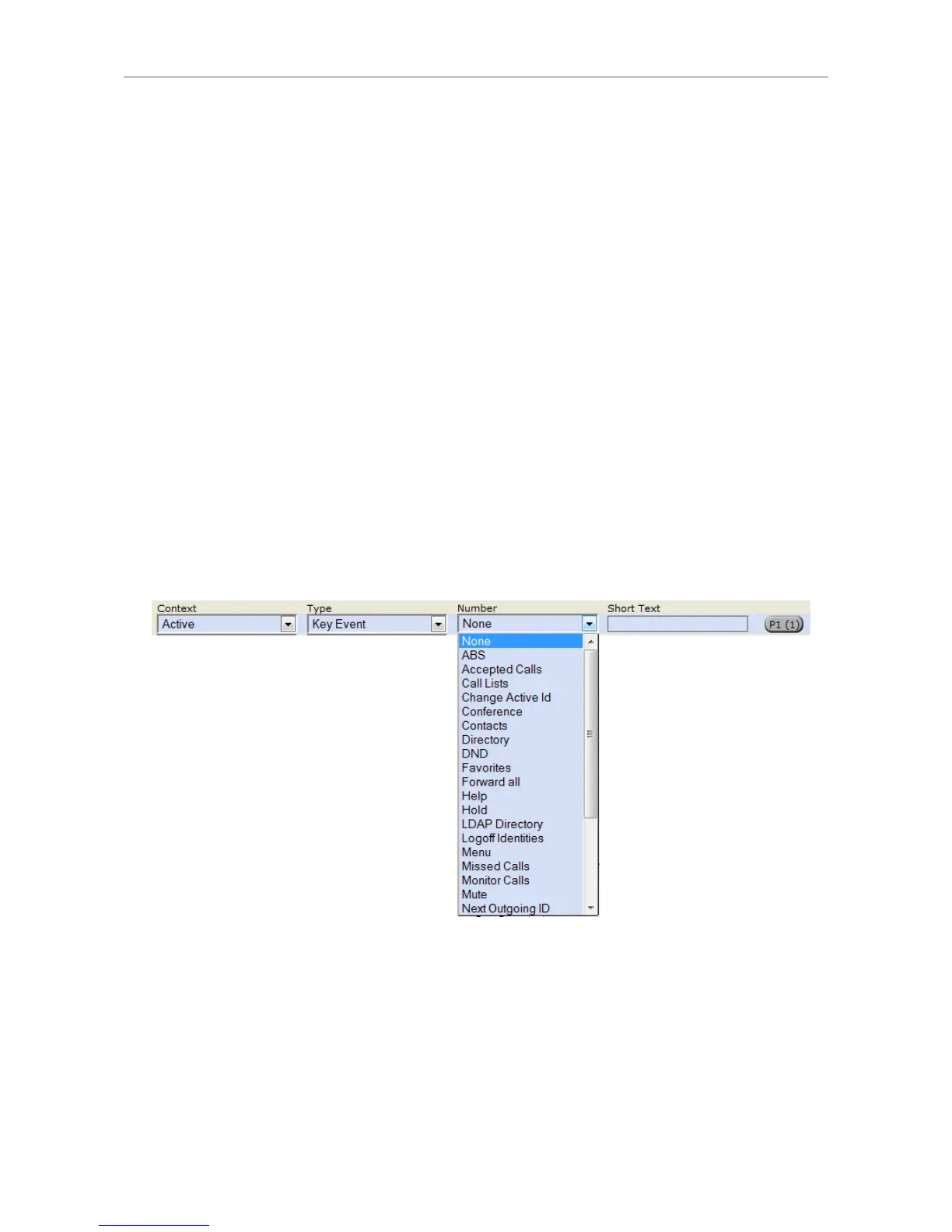
• Context
This setting specifies which configured identity will be used when executing the functionality of the
key. You may want to use this feature when you have accounts with different providers or when you
wish to present different identities to certain destinations.
For example: If you have programmed key P12 to speed dial a specific number and you want
to use configured identity 2 to call that number, select configured identity 2 from the drop-down
menu of P12's "Context". When you speed dial the number by opening the virtual key screen and
pressing the pound key (#), identity 2 will be used as the outgoing identity.
The default setting is "Active", which means that the identity selected as the phone's outgoing
identity at any given time will be used.
• Type
Select the type of functionality from the drop-down list. See appendix for more information. The
default setting is "line". Incoming and outgoing calls will use any available line unless you enter a
phone line under "Number". If you do, all calls arriving on that line will go to that key. To make calls
using that line, press the function key and enter the number to be dialed in the text field.
If you select "Key Event", a drop-down list with the available key events will replace the text field
under "Number".
• Number
Enter one phone number or value for the function or, if the function is key event, select an event
from the drop-down list. Enter phone numbers exactly the way they need to be dialed, i.e, type
the number without spaces or punctuation marks between the digits. For example, a number
with an area code that might conventionally be notated as (916) 555-1234 should be entered as
9165551234.
• Short Text
This entry is optional. It can be used to enter the name associated with the phone number or other
descriptive text.



 To Next Page