27
snom 821 User Manual Getting to Know Your Phone
Status bar
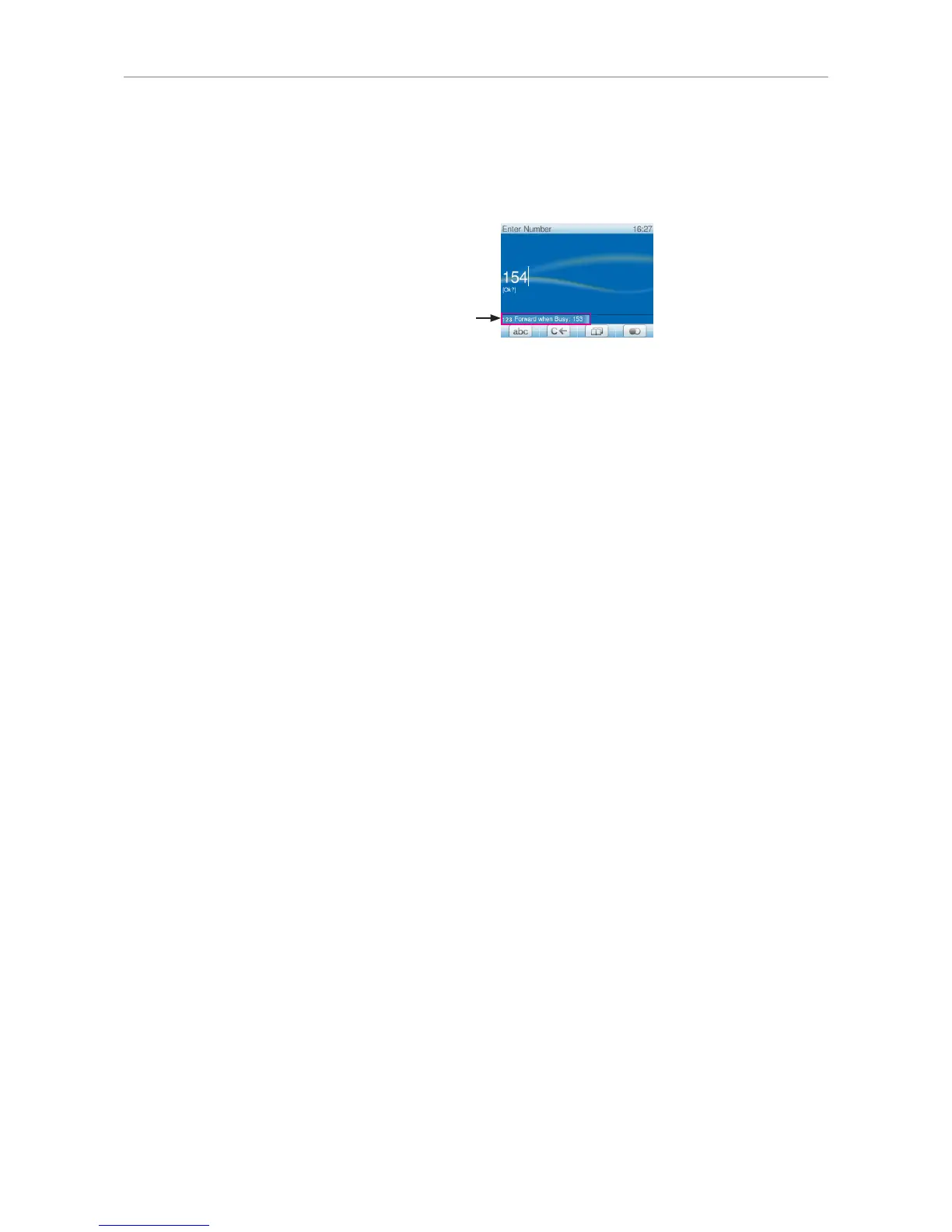
In editing modes (i.e., when dialing or editing directory entries), the current editing mode (i.e., numerals,
small letters, or capital letters) is shown preceding the status message, if any.
Current input mode (numerals),
followed by status message:
Function key line
Depending on the current activity of the phone, the key function key line will present various functions
that can be activated by pressing the function key underneath the respective symbol. See Appendix 1
- "Symbols found in the function key line" on page 82.
Virtual function key screen
The virtual function key screen will appear whenever the phone detects activity on a monitored
extension. The number in the upper right corner of each virtual key corresponds to the respective
number key 1- 9 and 0 and the character keys * and # on the phone's keypad. When the virtual key
screen is visible, pressing the corresponding key will activate/initiate the function mapped onto the
virtual key.
For information on how to map functions onto these keys, see "Configuring the function keys" on page
58. The factory default setting is "line".



 To Next Page