SmartSMS User Manual Soft dB inc.
User Manual p. 109
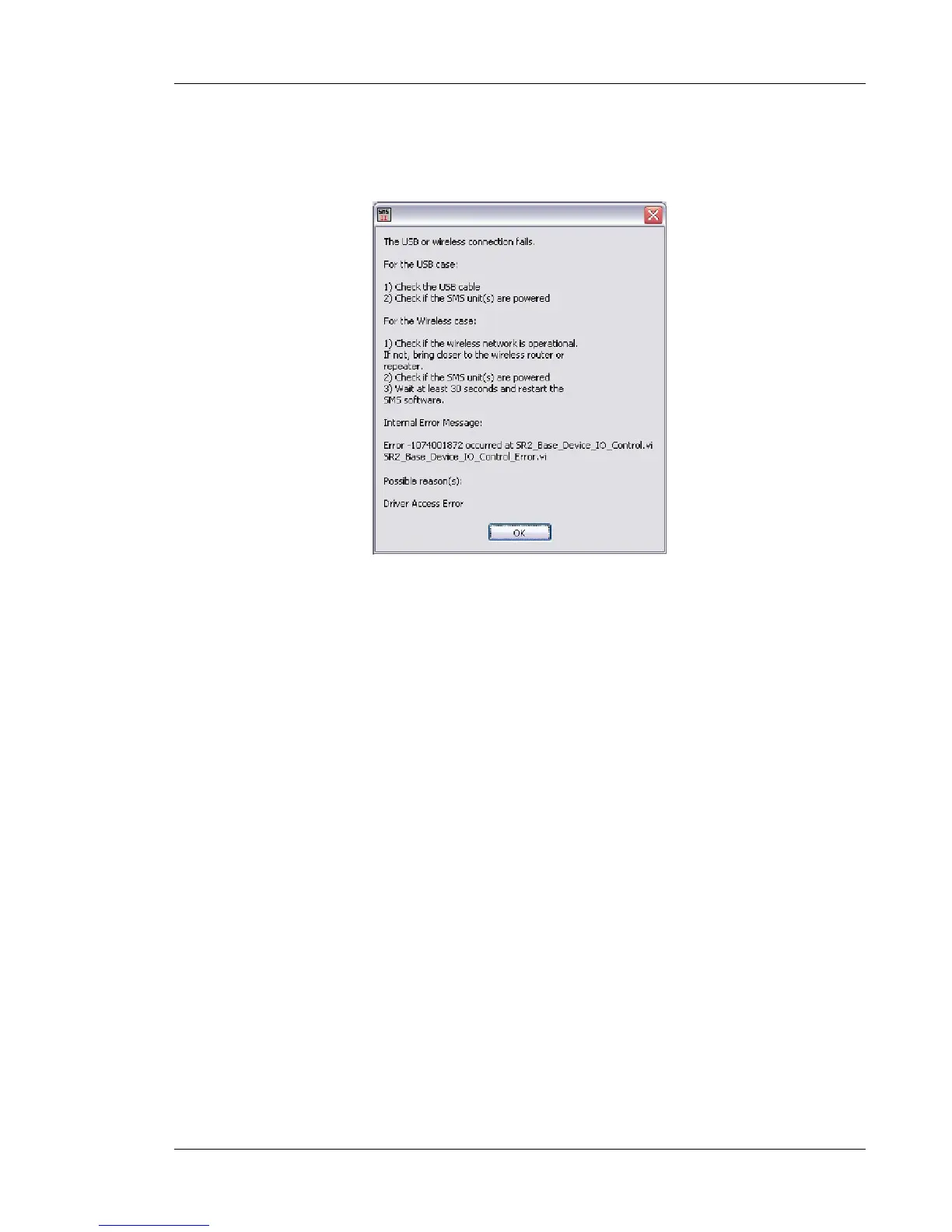
2. USB connection fails
This message will be displayed after the USB connection or wireless USB connection has been
abruptly cut.
• Make sure you are within range of the wireless router
• Try connecting directly to the SmartSMS unit with a USB cable
It is possible that a USB connection problem will crash the SmartSMS unit. In this case, you will
probably get the "SmartSMS not found" message when trying to reconnect (consult previous
problem above for instructions).



 To Next Page