SmartSMS User Manual Soft dB inc.
User Manual p. 61
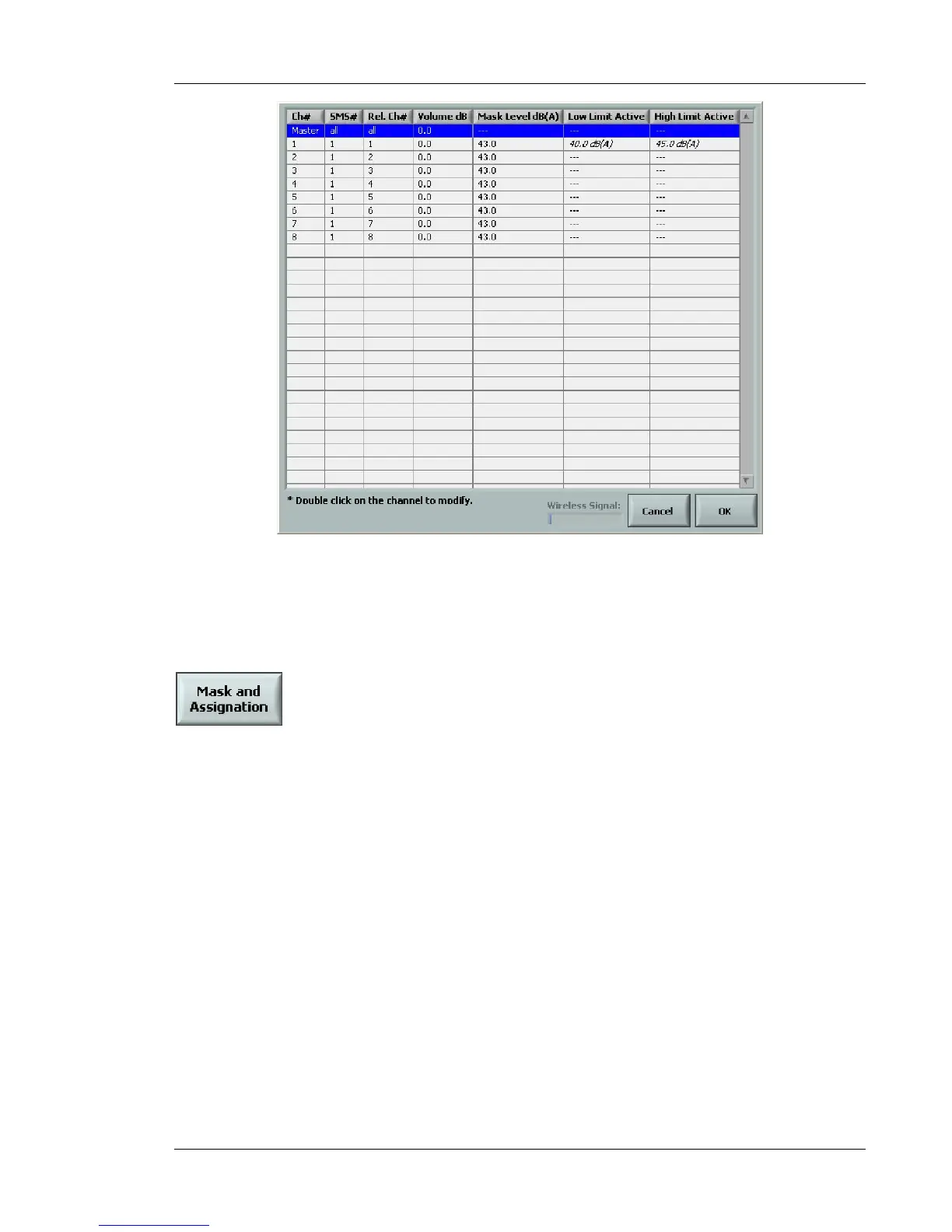
Figure 52 Change Volume interface
6.5.5 Mask and Assignation
This function allows the user to set a target masking spectrum for each output channel through a
table. Double click on the desired output channel and select the desired target masking spectrum.
The Reassign all channels button can also be used to change the mask selection for all output
channels.



 To Next Page