SmartSMS User Manual Soft dB inc.
User Manual p. 78
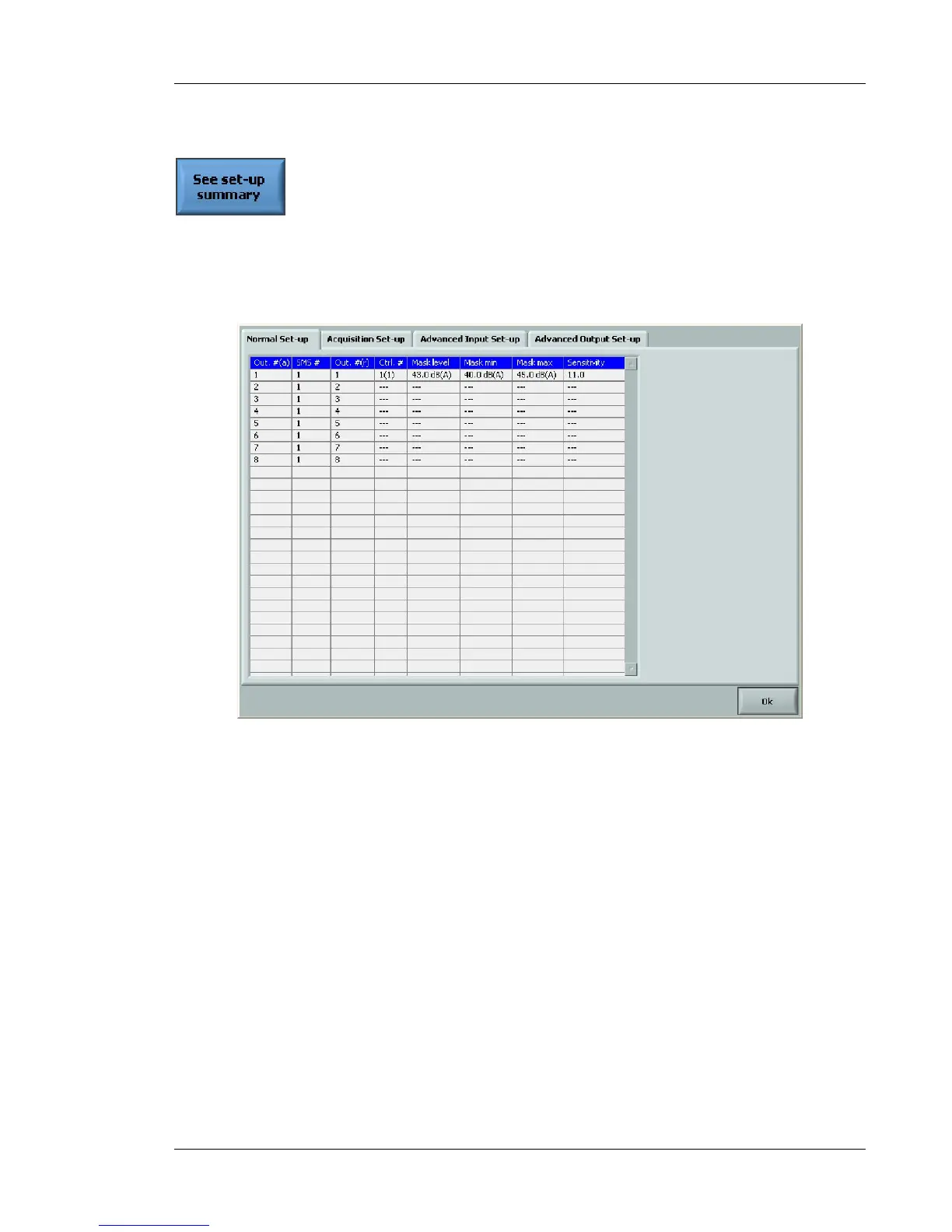
7.3.3 Controller Set-up Summary
This function shows an overview of the controller set-up through four tabs: Global Set-up,
Input/Controller Set-up, Output Set-up and Summary normal set-up. In the normal mode operation,
only the “Summary (normal Set-Up)” is available. Figure 71 shows an example of the information
provided.
Figure 71: Summary of the controller set-up (summary normal set-up tab)



 To Next Page