SmartSMS User Manual Soft dB inc.
User Manual p. 43
6.4.2 Target Mask
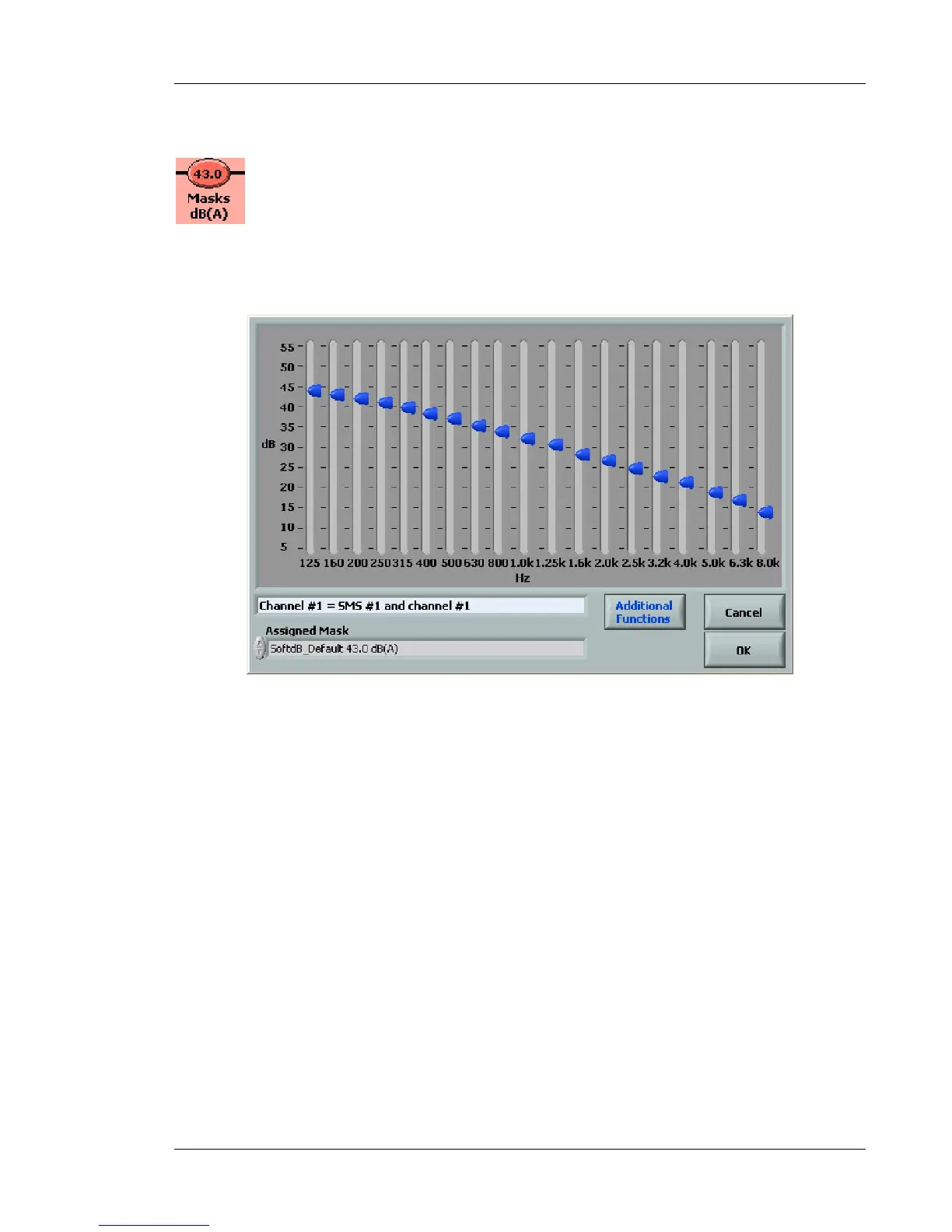
This function allows the user to set the target masking spectrum on each channel. The target
masking spectrum is used during the automatic equalization process, or during the test function.
When you click on the Target Mask button, the following screen will appear:
Figure 34 : Dialog box for the Target Mask selection
This function presents the target spectrum for the selected channel. Click on the Assigned Mask
tab to change the target mask for the selected channel. Many different spectrums are displayed. All
these mask spectrums are located in the folder
C:\Users\UserName\Documents\SMS_Software_VersionII\Msk (with Windows Vista or windows 7)
or C:\Program Files\SMS_Software_VersionII\Msk (with Windows XP).
If you click on Additional Functions, the following window will appear:



 To Next Page