SmartSMS User Manual Soft dB inc.
User Manual p. 60
6.5.3 Loudspeaker Detection
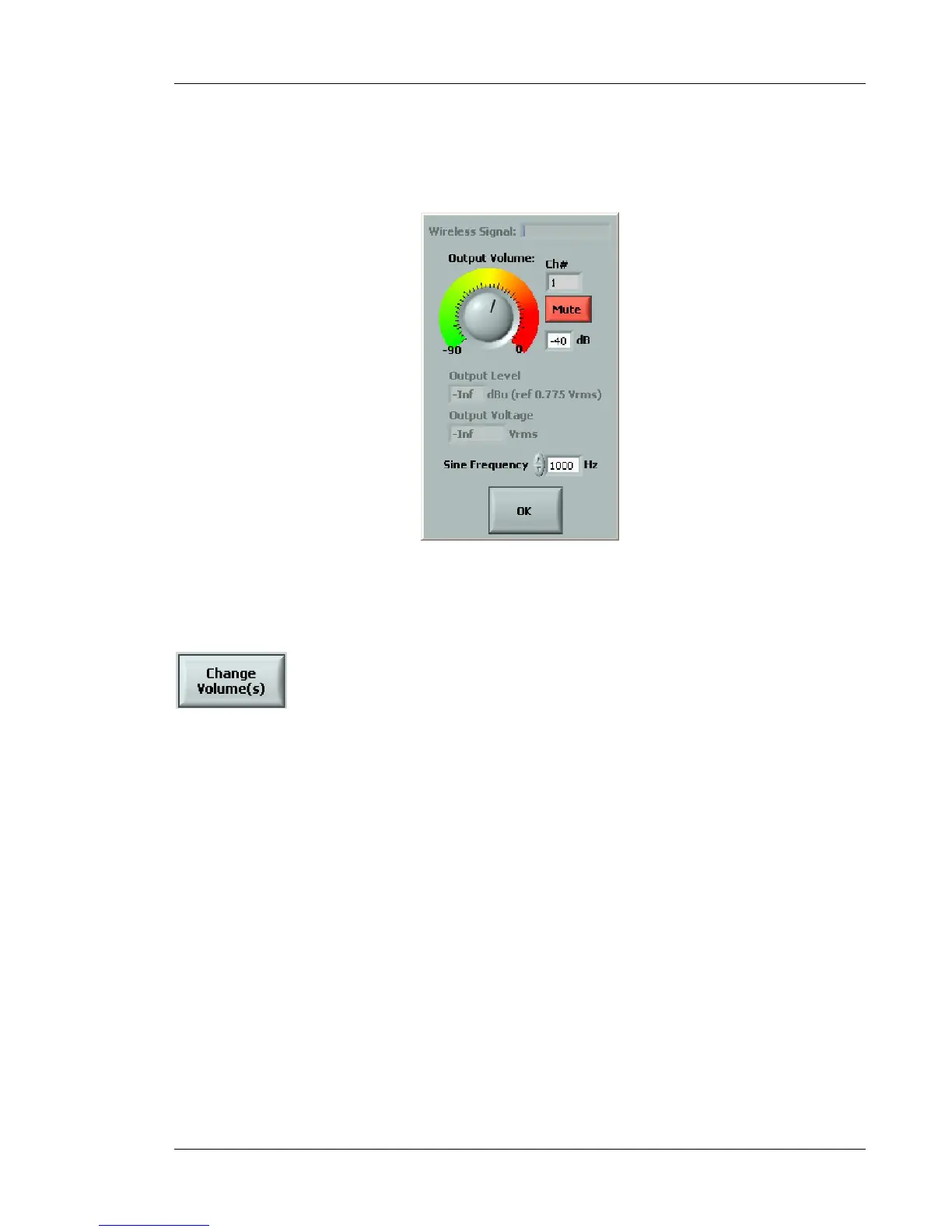
The Loudspeakers Detection function can be used to ensure the proper connection of the
loudspeakers. Select a channel number and the system will send a tone to that particular channel.
Figure 51 Loudspeaker detection interface
6.5.4 Change Volume
This function allows all system output volumes to be changed through a table. This table shows all
the channel and volume settings for the system. You can double click on each channel to make
volume level adjustments.



 To Next Page