SmartSMS User Manual Soft dB inc.
User Manual p. 11
2.2 SmartSMS models
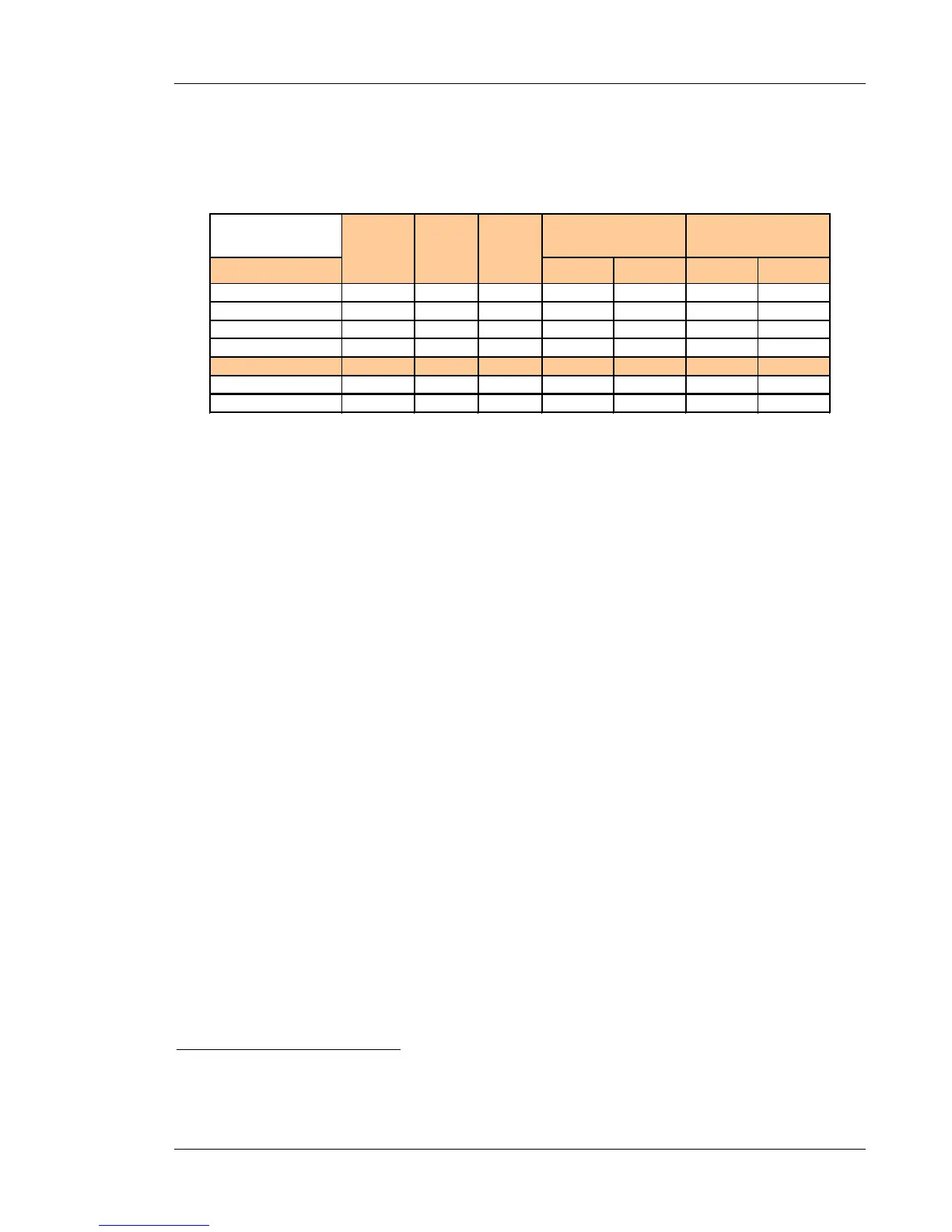
SMS-AMP version paging no paging paging no paging
SMS-AMP-1 1 1 1 10 20 16 32
SMS-AMP-2 2 2 2 32 64 64 128
SMS-AMP-4 4 2 4 32 64 120 240
SMS-AMP-8 8 4 8 32 64 120 240
SMS CTL version
SMS-CTL-2 2 2 2 - - - -
SMS-CTL-8 8 4 8 - - - -
Maximum speakers
per unit *
Output
channels
per channel *
• Use 2 watt taps (with Paging) or 1 Watt taps (w/o Paging). See section 4.2 for
more information
2.3 Minimum Requirements
The minimum requirements depend on the equalization technique used with the system.
Ø For classic 1/3-octave band manual equalization:
• PC with Windows 2000, XP, Vista or W7 and a USB port to operate the software and
control the SMS unit.
Ø For the exclusive Automatic equalization process:
• PC with Windows 2000
1
, XP, Vista or W7 and a USB port to operate the software and
control the SMS unit.
• A Microphone or Sound Level Meter is also required to measure the sound level. This can
be:
1. A Soft dB Precision Microphone
2
2. A Soft dB Precision Microphone support for Tablet PC
2
3. A sound level meter, type I or type II, with AC output, and an acoustical calibrator.
A sound level meter offering a 70 dB dynamic range and measurement of level as
low as 30 dB is highly preferable
3
.
1
The Soft dB Precision Microphone is not compatible with Windows 2000.
2
This equipment can be provided by Soft dB but is not included with the SmartSMS unit.



 To Next Page