SmartSMS User Manual Soft dB inc.
User Manual p. 77
7.3.2 Output Set-up
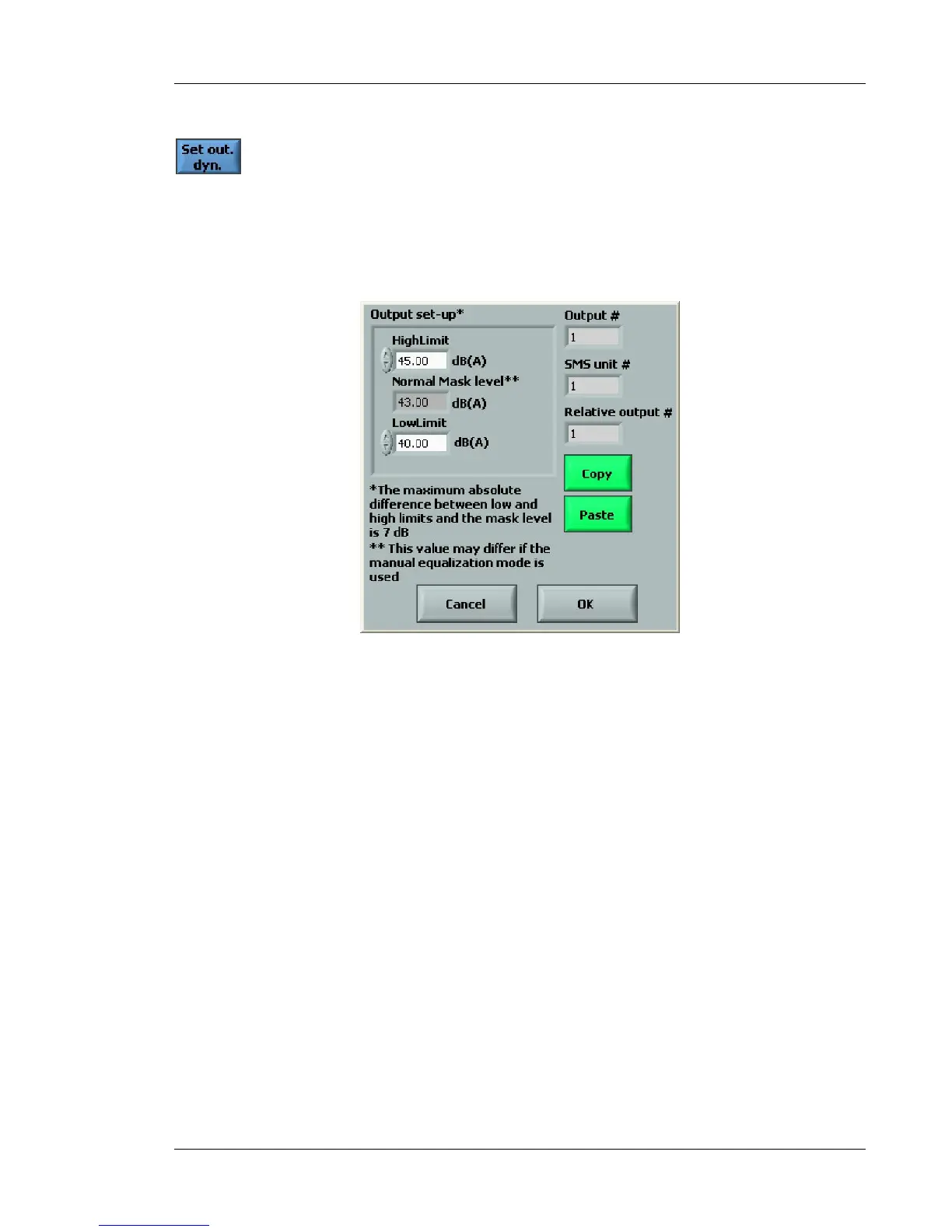
The Set Out. Dyn function (Figure 70) allows the low and high limits of the masking volume to be
defined.
These limits specify the maximum and the minimum mask levels of the selected output for the
controller.
Figure 70: Output set-up dialog box
Note:
We recommend a maximum of 48 dB as the higher limit. We know based on experience that higher
levels generate complaints from workers.



 To Next Page