SmartSMS User Manual Soft dB inc.
User Manual p. 108
Appendix E: TROUBLESHOOTING
This section presents some of the most common problems and error messages encountered while
using the SmartSMS system.
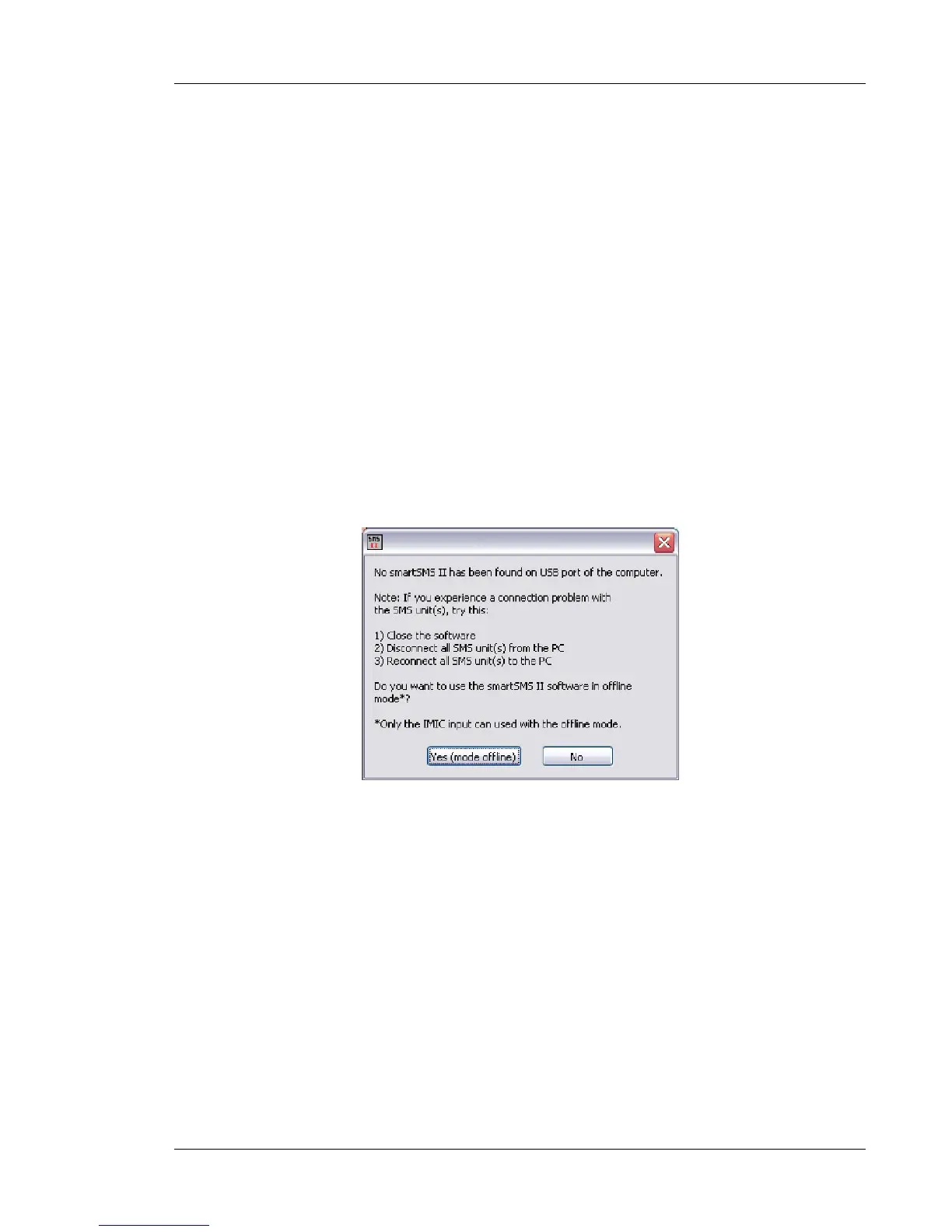
1. "SmartSMS not found"
2. "USB connection fails"
3. "Microphone Serial Number not found"
4. "Output too high"
5. No signal from the active sensors
6. Hum/Buzz problems with the paging system
1. SmartSMS not found
This problem occurs when the software is unable to connect to the SmartSMS with the USB link. It
can happen when using the wireless transmission if the computer is out of range or if the wireless
transmission has been cut, leaving the SMS unit in an error state.
If you are using the wireless transmission, try connecting directly with a USB cable. There might be
a problem with the wireless devices.
Unplug the USB cable and plug it again, then restart the software.
Restart the SMS unit
Check if the front light turns green when connecting with a USB cable. If not, the USB drivers might
not be properly installed.
Try Resetting the SMS unit with the "ResetSMS_II_R1_1 if all else fails.



 To Next Page