SmartSMS User Manual Soft dB inc.
User Manual p. 30
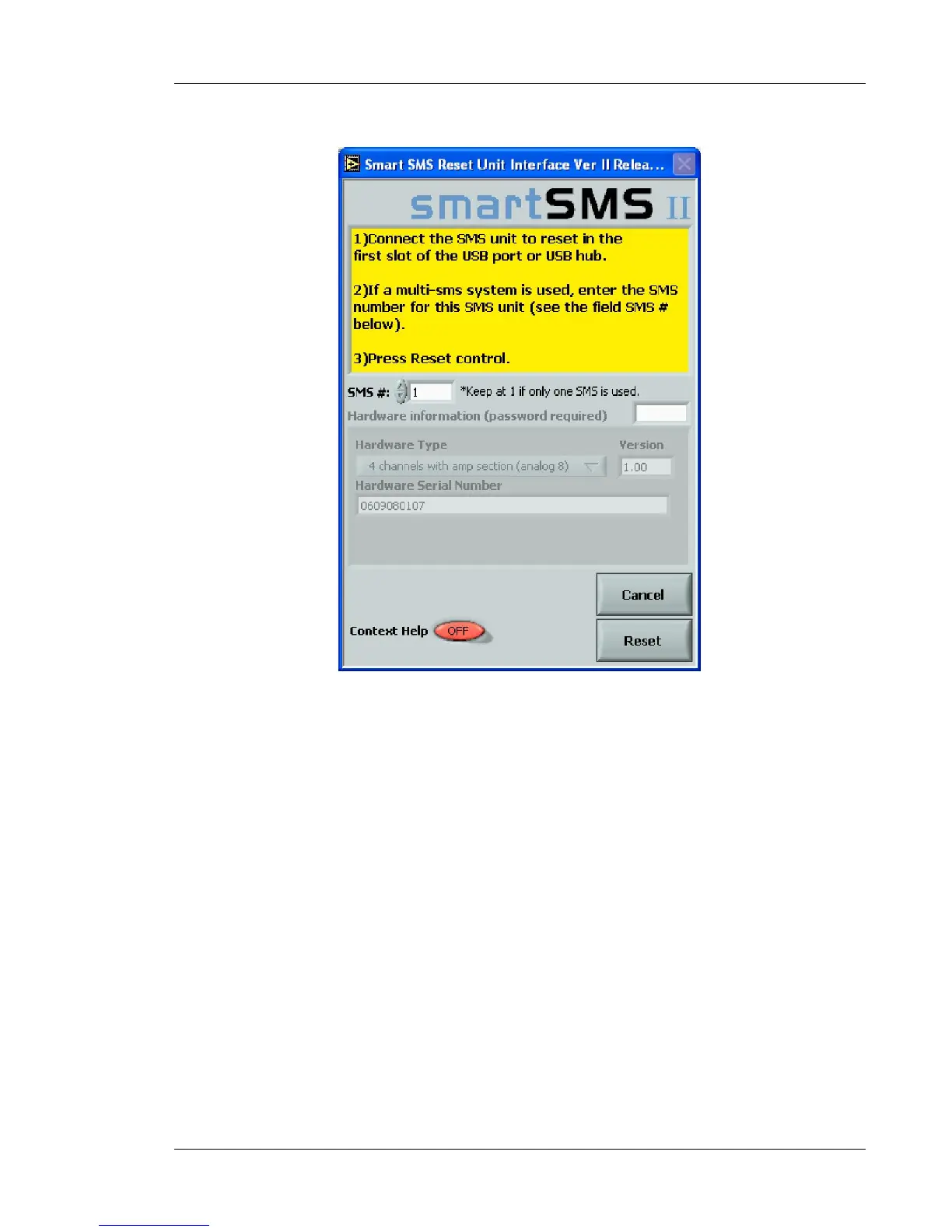
Figure 22: SmartSMS Reset program window
Connect all the SMS units to the PC, and launch the SmartSMS main software. The number of
SmartSMS units connected to the PC should be indicated in the "SMS unit(s)" box. If the number is
not correct, start the reset procedure again and make sure all units are identified and connected
correctly to the PC. You can also check the Windows USB controller menu (devices manager) to
see if the PC recognizes all the SMS units connected.



 To Next Page