SmartSMS User Manual Soft dB inc.
User Manual p. 52
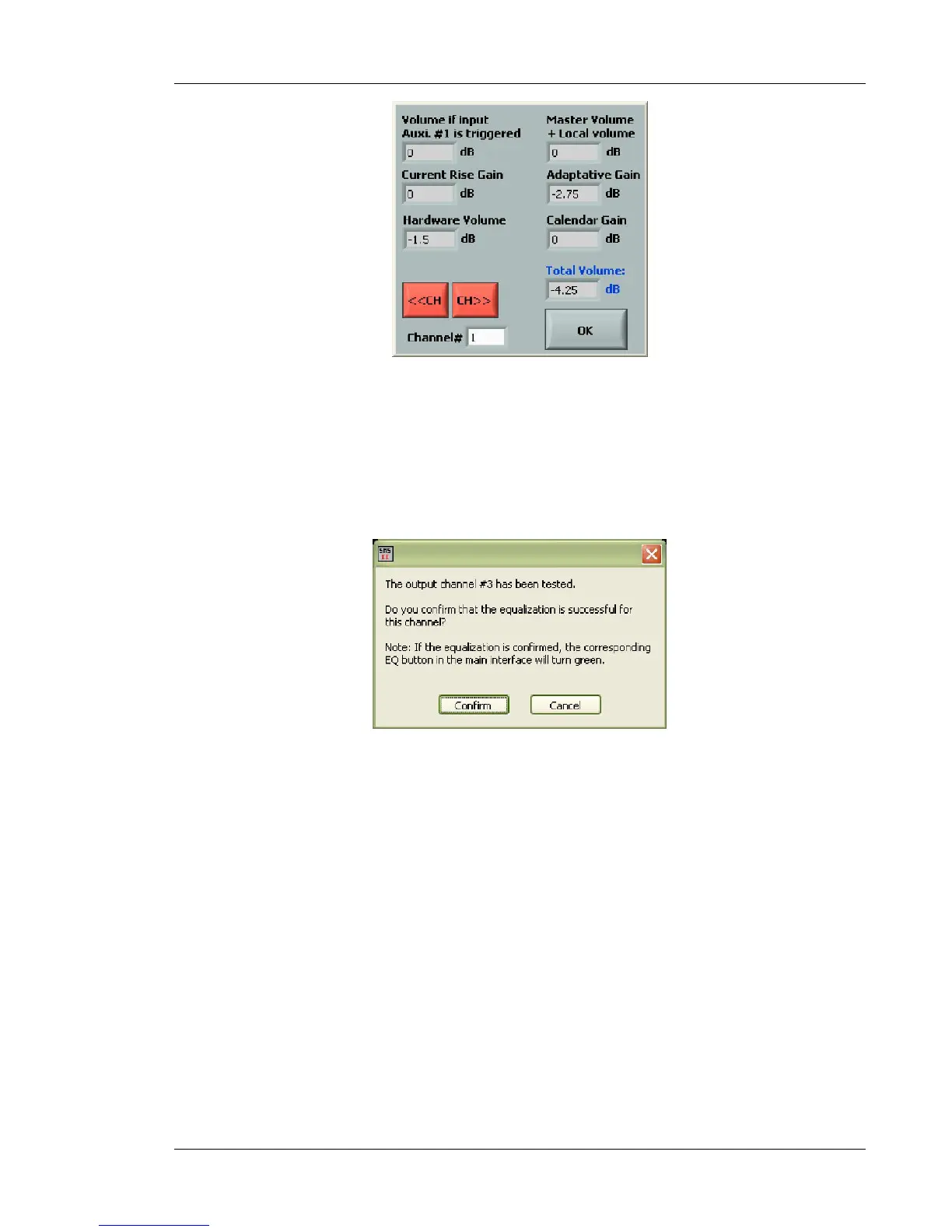
Figure 42 : Output volume dialog box
Test Confirmation:
After the Test is done, if the Equalization button was Yellow or Red on the channel, the following
window will appear:
Figure 43 : Test result confirmation
If the test result was good, click on "Confirm" to switch the Equalizer button to Green. Click on
"Cancel" to go back to the main window without changing the Equalizer button color.



 To Next Page