en
21
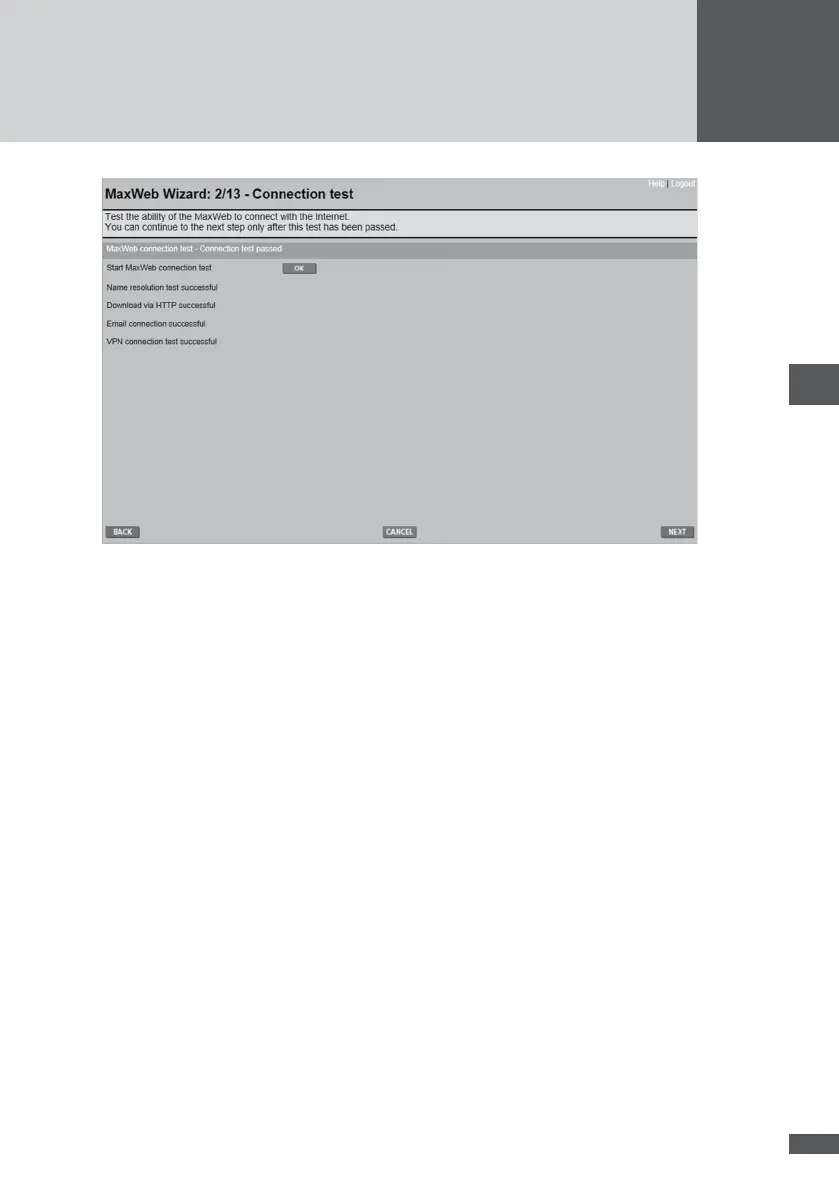
If any test fails the Internet connection must be checked. Check the following items:
Is the IP address correct?
Does the subnetwork mask agree with the subnetwork mask of your network?
Do you have access to the Internet via your router?
The Wizard cannot continue to be used unless the Internet connection has passed the
test.
MaxWeb xp GPRS
For MaxWeb xp GPRS, the test is executed in the background.
1. Log out of MaxWeb xp.
2. Remove the red Ethernet cable from the socket labelled Ethernet and connect the
sockets labelled Modem and Ethernet on the MaxWeb xp with the red, short Ethernet
cable.
3. Wait roughly 3 minutes, remove the short Ethernet cable, Connect the long, red Eth-
ernet cable to your PC.
4. Log into MaxWeb xp again
5. Click the REFRESH button.
6. Continue with the conguration in accordance with Section 6.5.4.



 To Next Page