26
6�5�9 Energy values
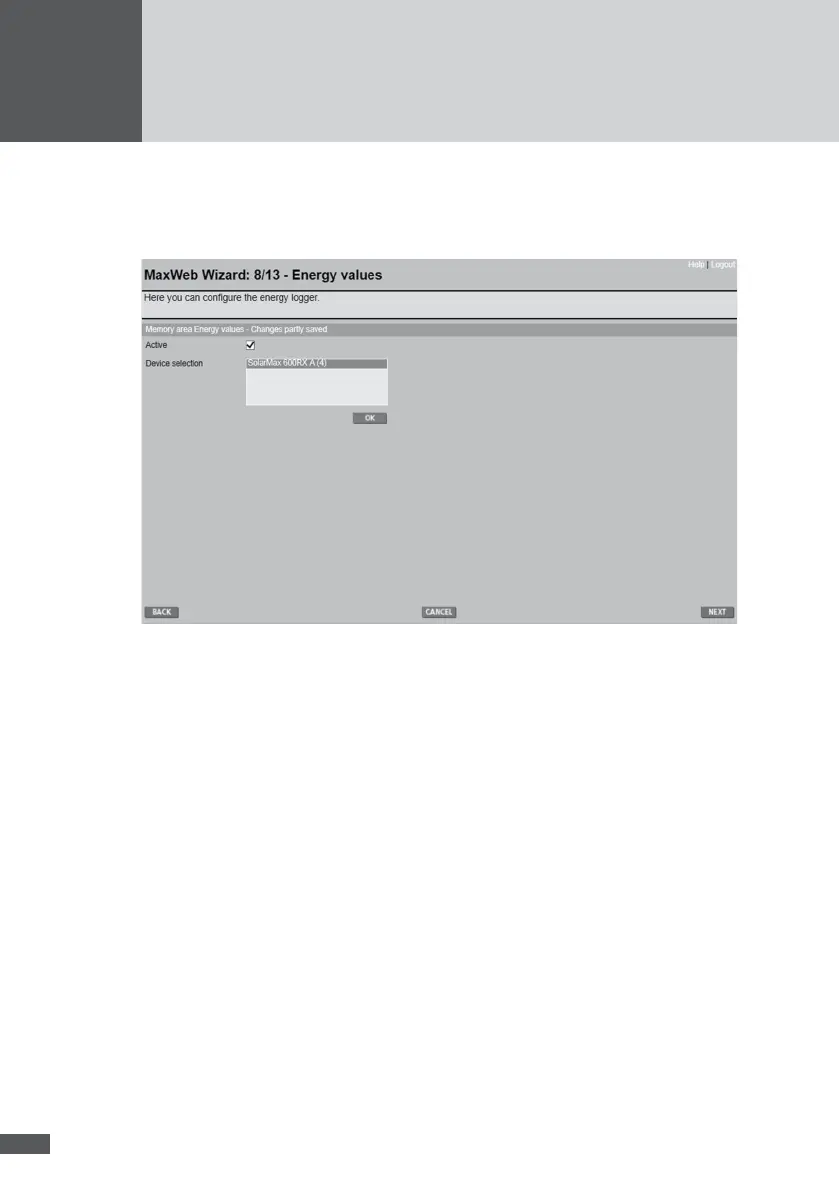
The energy value logger records the energy values of the selected devices (kWh day, kWh
month, kWh year and kWh Total) at a specied time on each day.
By clicking on the “Active” box you can switch the logger on or off. Select the devices
to be logged from the “Device selection” list. Select more than one by holding down the
Control key (Ctrl). Click OK to save your changes.



 To Next Page