en
31
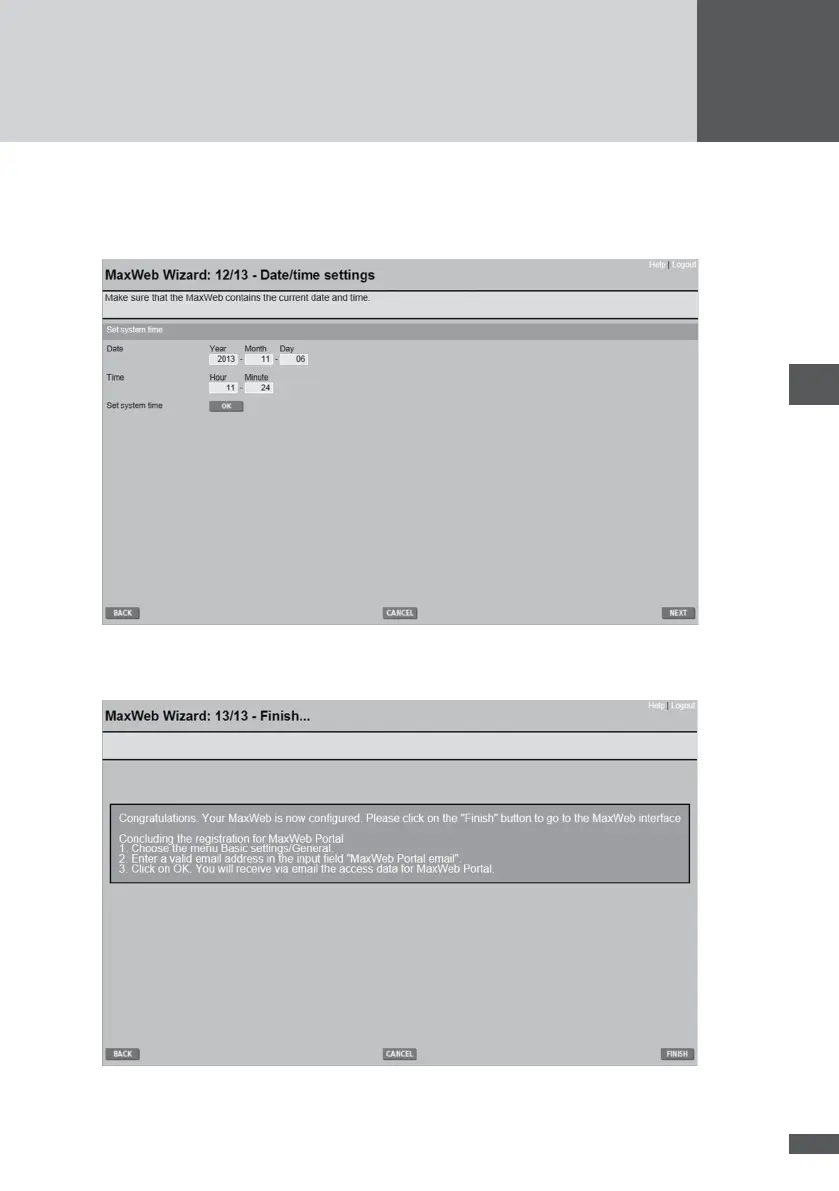
6�5�13 Date/time settings
Enter the current date and local time. When you save the entries by clicking OK they
become the system date/time for MaxWeb xp.
6�5�14 Finishing the MaxWeb Wizard
The successful conguration is conrmed.
Click FINISH and the standard MaxWeb xp interface is displayed. Register for access to
the MaxWeb Portal (see Section 6.6).



 To Next Page