24
If you selected Ethernet you can congure the Ethernet communication with the S-series
inverters. Select a TCP communications port (range 1064 to 65535). The same port must
also be set on the inverters. Congure a timeout for data transfer (range: 3 s to 10 s). We
recommend you set a longer timeout for networks under a high load. Enter the IP address
for each inverter in the Ethernet mode and enter the relevant device address range (the
start and stop addresses, range 1 to 249).
The connections can be deleted at any time by clicking DELETE. Click ADD to create a
new connection. Click OK to save the changes.
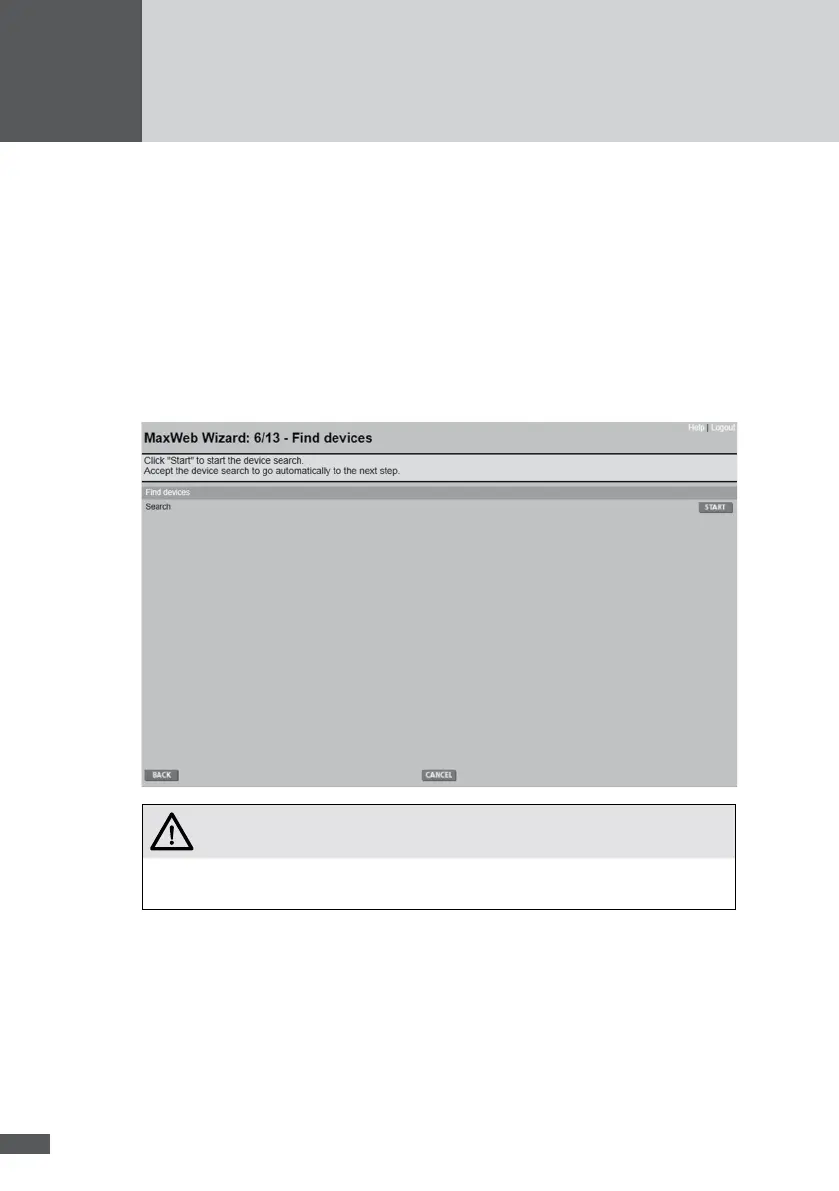
6�5�7 Find devices
ATTENTION!
Possible data loss!
The data logger is reset every time a device search is carried out. Update
the recorded data on the MaxWeb Portal before starting a device search.
Click on START. MaxWeb xp begins to search the whole address range for installed
devices. You can interrupt the search once you are certain that above the current search
address there are no further devices. In this case click on STOP.
To accept the result of the search acknowledge it by clicking OK. Click CANCEL to reject
the result and retain the former conguration.



 To Next Page