en
27
6�5�10 Time values
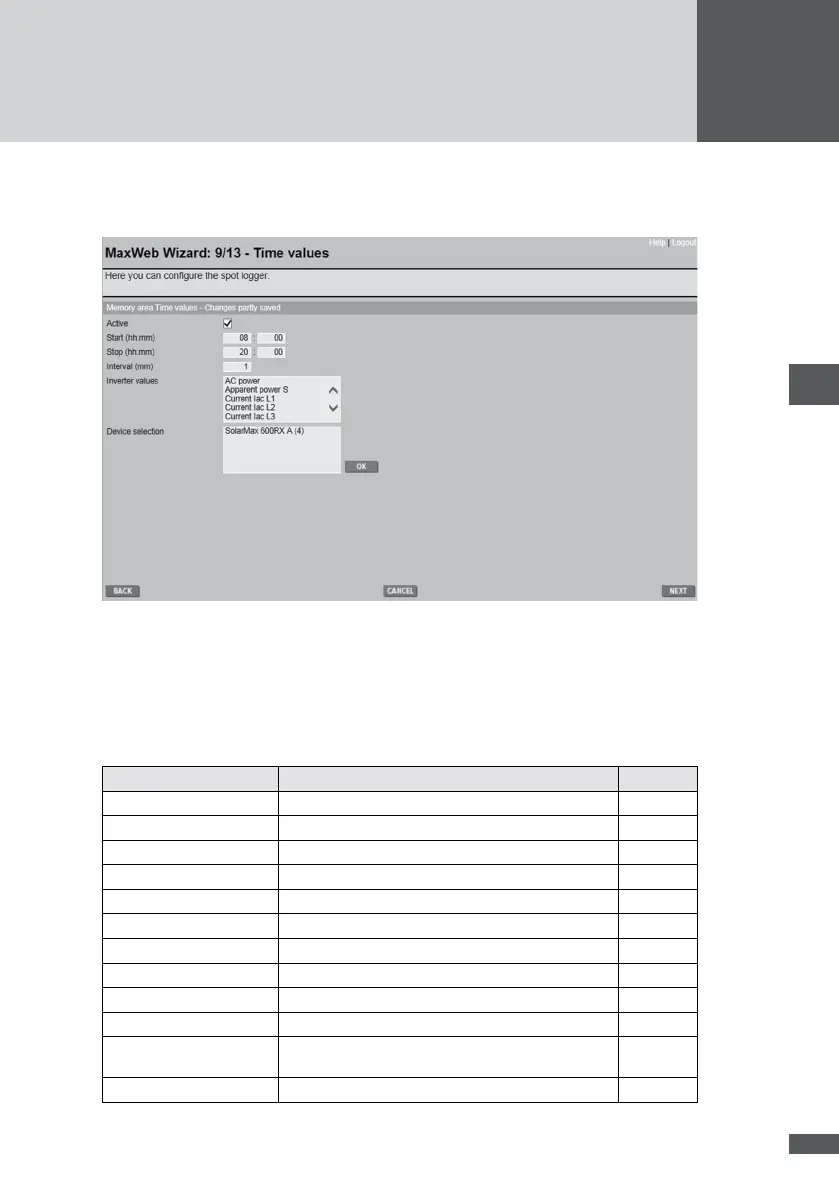
The time value logger uses selected values to generate snapshots for a settable interval.
By clicking on the “Active” box you can switch the logger on or off. Enter the start and stop
times to dene the period for which data is logged.
Enter the Interval to set how frequently data is recorded. Select the log values and devices
from the “Inverter values” and “Device selection” lists. Select more than one by holding
down the Control key (Ctrl). Click OK to save your changes.
The following measured values can be selected:
Measured value Description Unit
AC power Active power kW
Reactive power Q Reactive power kvar
DC power Total input power kW
Energy day Daily yield kWh
Energy month Monthly yield kWh
Energy year Annual yield kWh
Energy total Total yield kWh
Mains frequency Mains frequency Hz
Line periode Duration of mains period ms
Pdc1 … Pdc12 Input power tracker 1 … tracker 12 kW
Relative power Corresponds to the calculated "AC output" value
divided by the "installed capacity" (installed capacity)
%
Apparent power S Apparent power output kVA



 To Next Page