en
19
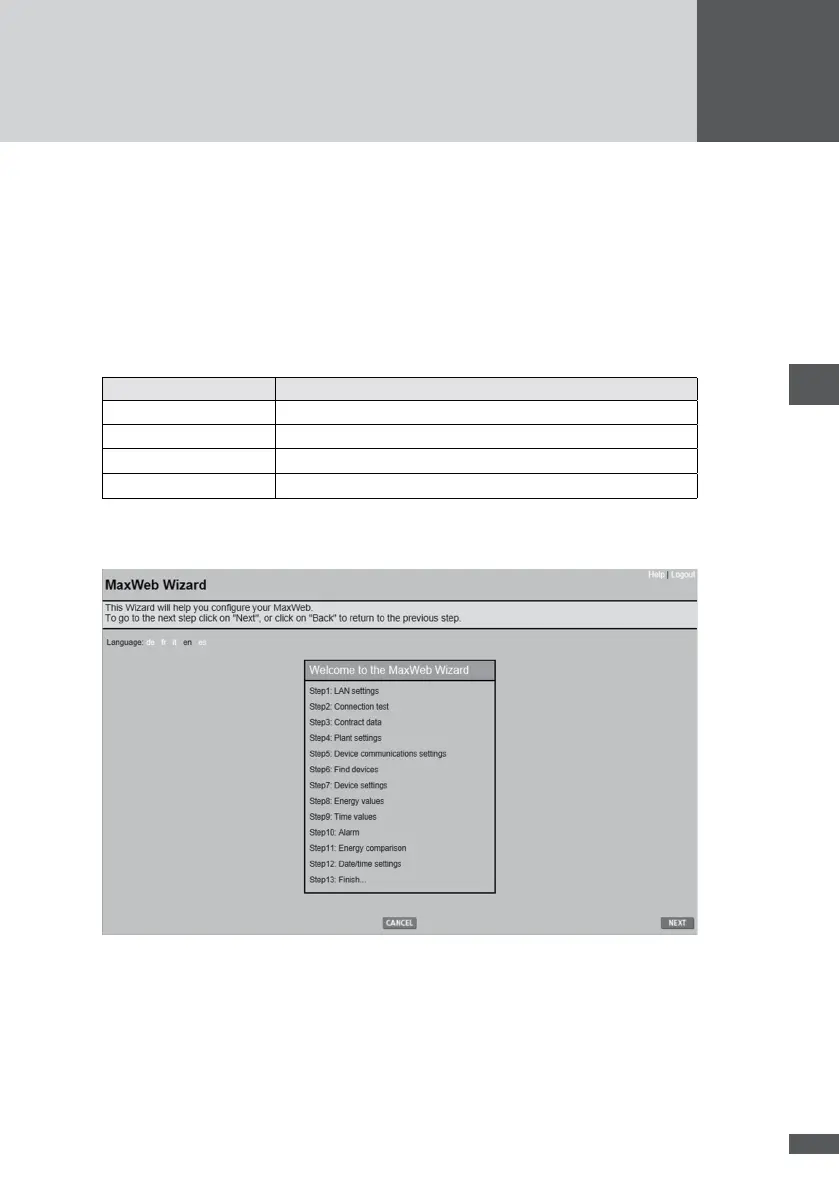
6�5 Conguration using MaxWeb Wizard
The Wizard helps you congure your MaxWeb xp correctly. The conguration consists of
13 steps.
You can complete all the steps in the Wizard only if MaxWeb xp is connected to the
Internet. The other network subscribers must also be connected via an RS 485 or Eth-
ernet interface and congured with the correct address.
Buttons
Button Description
NEXT go to next screen
BACK go to previous screen
OK conrm entries and changes
CANCEL cancel wizard
6�5�1 Select language
6�5�2 LAN settings
If necessary you can use this step to change the IP address, network mask and the IP
address of the gateway. Assign MaxWeb xp an IP address to enable a connection to your
router and the Internet. After the IP address has been changed MaxWeb xp is rebooted.



 To Next Page