20
If you connected MaxWeb xp via the red crossover cable directly to your PC, use the grey
cable to connect MaxWeb xp to your local network. Your PC must also be connected to
the same network. Then enter the previously dened IP address of MaxWeb xp in your
web browser and log in again.
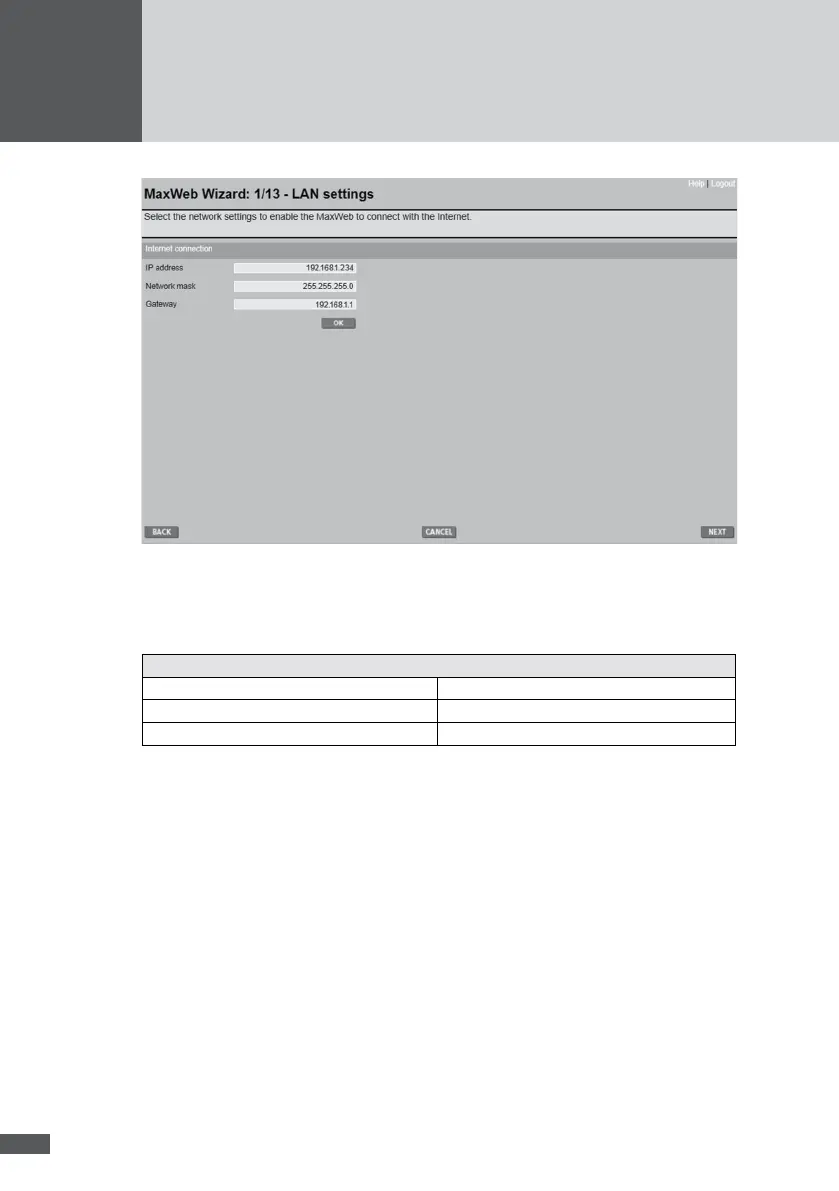
Default settings
IP adresse 192.168.1.234
Network mask 255.255.255.0
Gateway 192.168.1.1
If the IP address does not require any changes you can proceed directly to the next step in
the Wizard. MaxWeb xp must denitely have a functioning Internet connection before you
proceed to the next step in the Wizard.
Once you have made all the necessary seetings, proceed to the next step by clicking
NEXT.
6�5�3 Connection test
This step tests the Internet connection. It checks the name resolution, http download, and
the E-Mail connection. Click OK to run the test.



 To Next Page