Using Advanced Settings
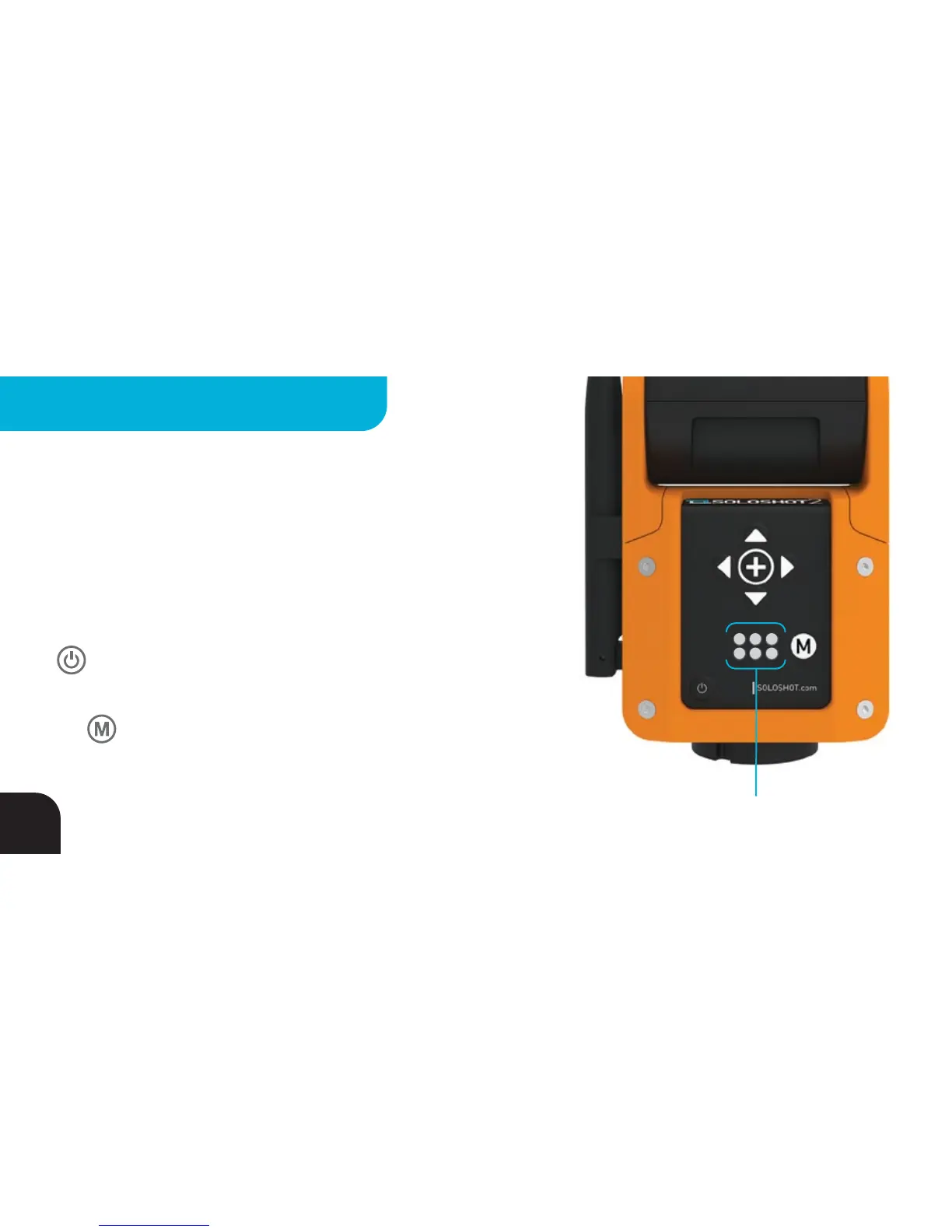
SOLOSHOT offers a variety of Modes designed for various sports,
shooting styles and situations. Each of the six LEDs on the back of the
Base represents a Setting (indicated by LED#) that can be toggled
between different Modes (indicated by LED color).
Cycle through the Setting LEDs by quickly pressing and releasing the
BUTTON. The active Setting LED will flash.
Cycle through the various Modes within the active Setting by pressing
the BUTTON. The flashing LED will change color as you cycle
through the available Modes.
Try different combinations of Modes to see what works best for you!
Setting & Mode Indicators
1 2 3
4 5 6
14
ADVANCED SETTINGS - BASE



 To Next Page