Tag
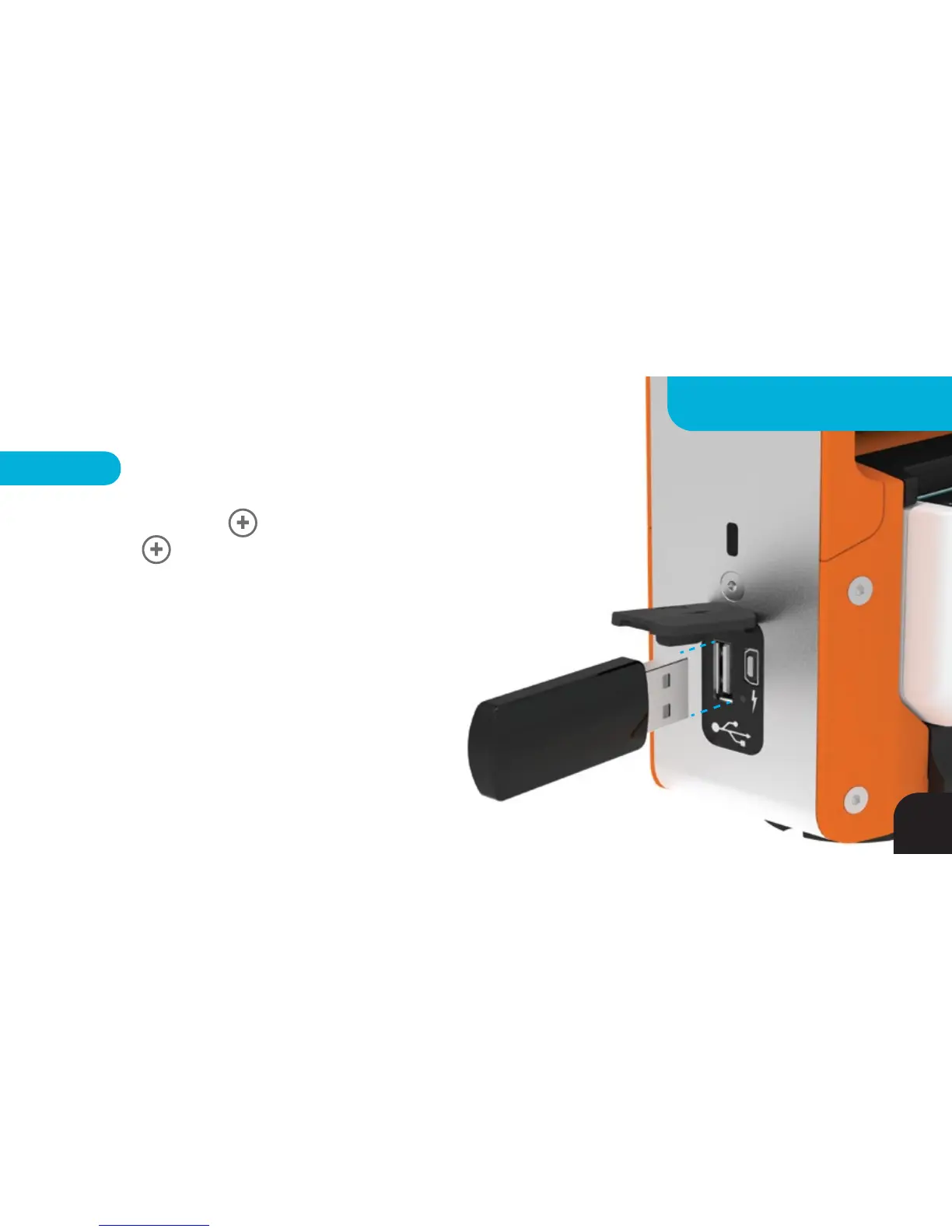
Check SOLOSHOT.com for the latest SOLOSHOT2 Base firmware
updates. You will be provided with files named 001.ss2. Copy those files to a
standard USB drive.
Hold Button down, then tap the Power button while
holding down Button to put the Tag in Update Mode. The Power button will
flash RED/GREEN indicating it is ready for Firmware Update. Dock the Tag into the
accessory port and power on the Base. Insert USB drive into Base to begin the Tag
Update. LED 6 on the Base will flash RED/GREEN while the Tag LEDs cycle
RED/GREEN during the Update. LED 1, 2 and 3 will turn solid GREEN, then all
will turn solid RED. Once LED 2 and 3 turn off and LED 1 remains a
Solid RED, your Tag Update is complete.
NOTE – Load all 3 files onto the USB drive and put both
Base and Tag into update mode to update Base and
Tag simultaneously.
49
FIRMWARE UPDATE



 To Next Page