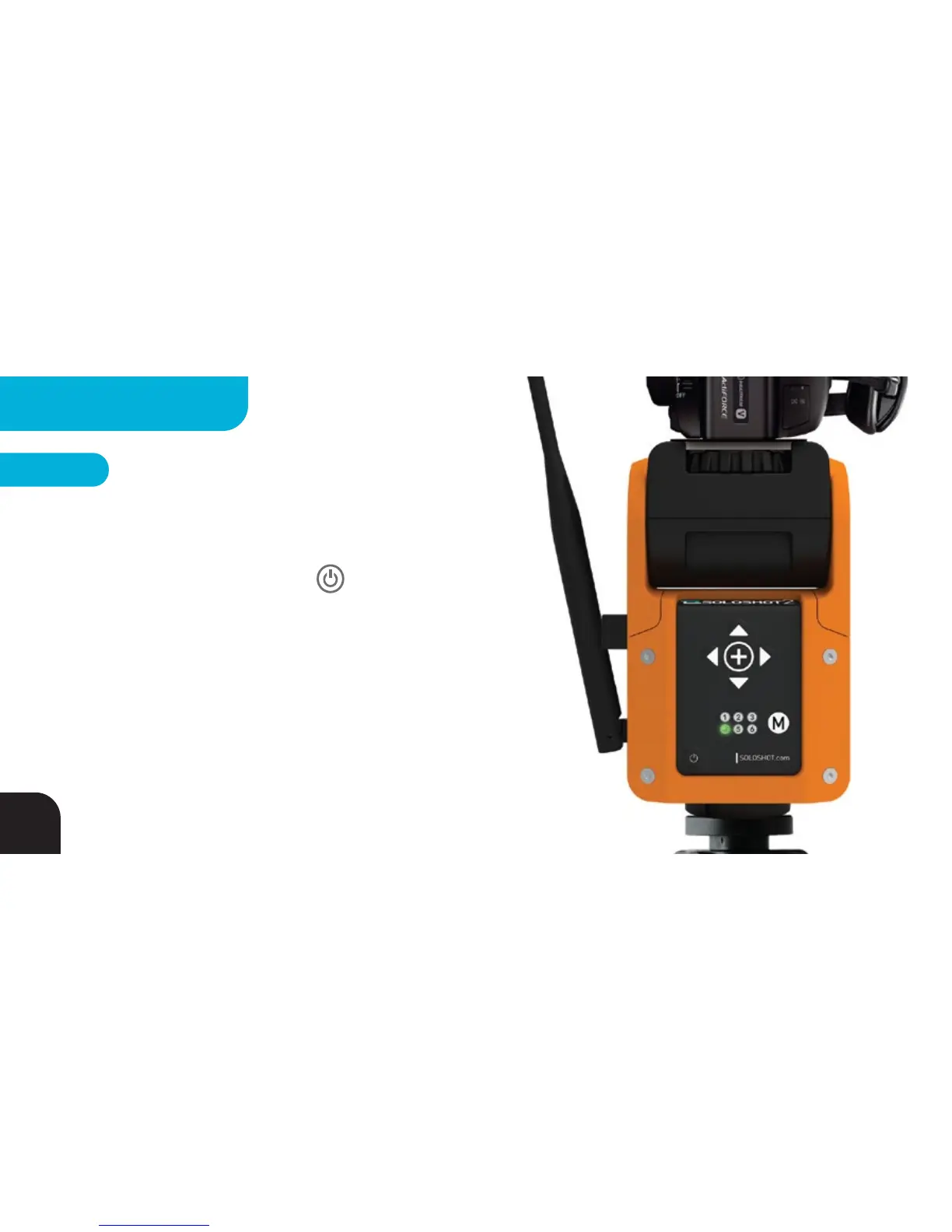
Turn Multi Mode ON
Your Base by default is set to Single mode (LED4 = GREEN)
meaning it only keeps track of a single Tag. To set your Base to
Multi Mode, use quick presses of the BUTTON to cycle
through the setting LEDs until LED4 is blinking. Press the mode
button once to turn LED4 RED indicating your Base is now in
Multi Tag mode.
STEP 1
36
MULTIPLE TAGS



 To Next Page