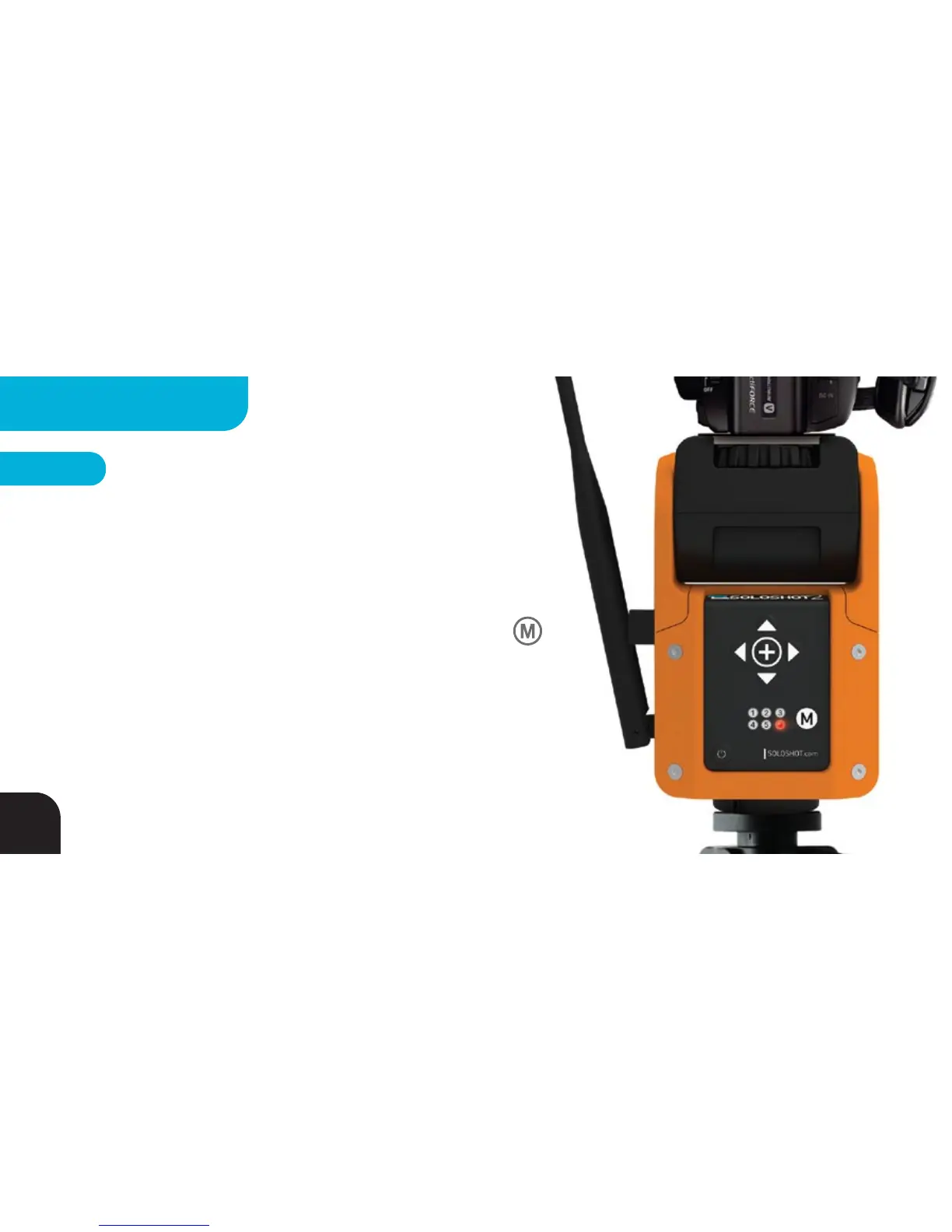
Select Multi Mode Record Setting
*Camera Controller ACCESSORY required. Sold separately
LED6 will be active when you have a camera controller attached
to your Base AND your Base is set to Multi Mode on.
Your Base will be set to Cut Mode by default (LED6 GREEN). You
can change this setting to Continuous Mode (RED), using the
BUTTON. In Cut mode, your Base will tell your camera to create a
new file each time it switches between Tags to make editing and
sharing easier.
See opposite page for details.
STEP 3
40
MULTIPLE TAGS



 To Next Page