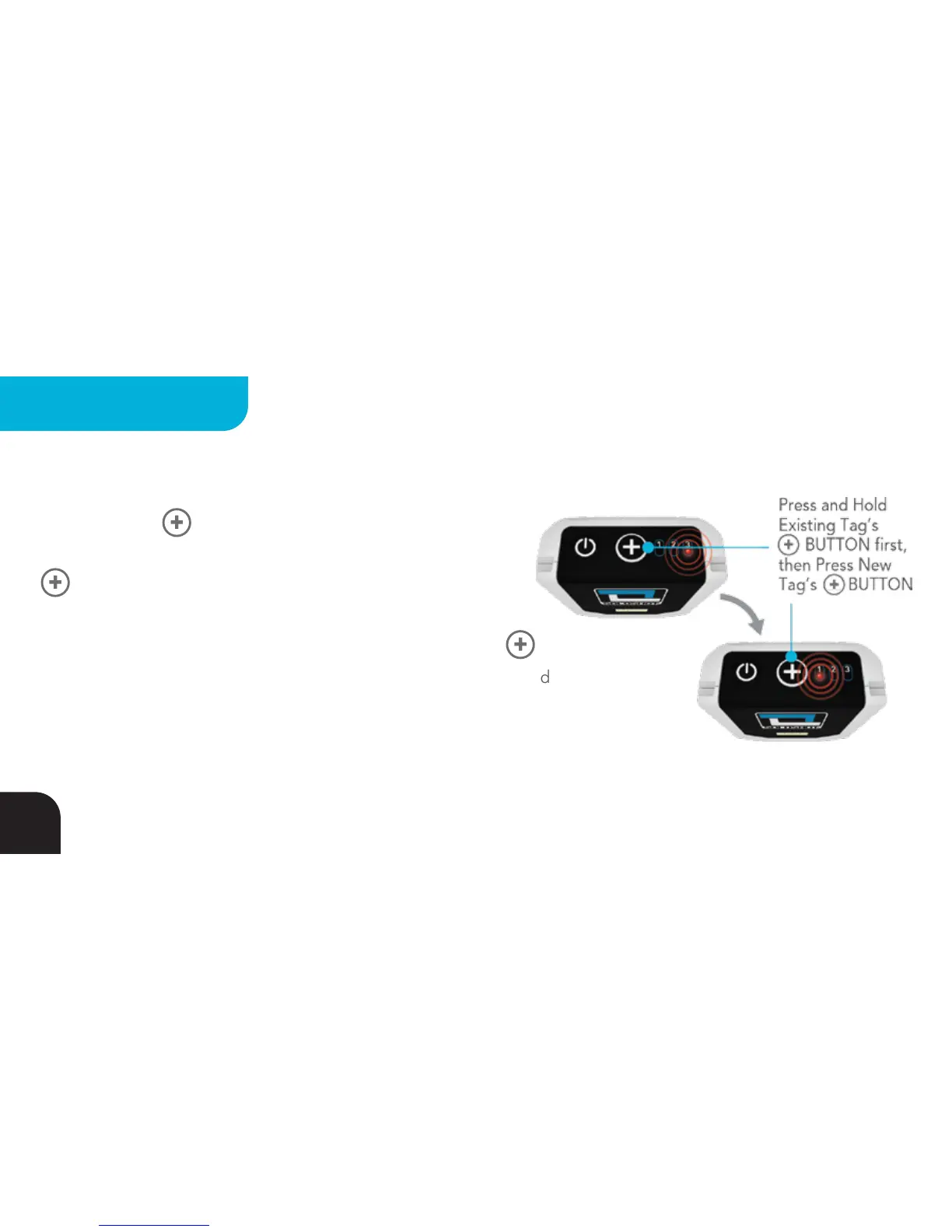
Add New Tags Using A Tag
Press & hold the BUTTON on the Tag that is already part
of the system. LEDs 1, 2 and 3 will turn GREEN. Then press the
BUTTON on the Tag you wish to bring into the system. The
new Tag’s LEDs will also briefly turn GREEN. Once pairing is
complete, LEDs 1, 2 and 3 turn RED on both Tags. Release both
BUTTONs and LEDs 1, 2 and 3 will turn GREEN for 2 seconds, followed
by LED3 blinking RED (Tag warm) or solid RED (Tag not yet warm).
Repeat for additional Tags you would like to add to the system.
32
MULTIPLE TAGS



 To Next Page