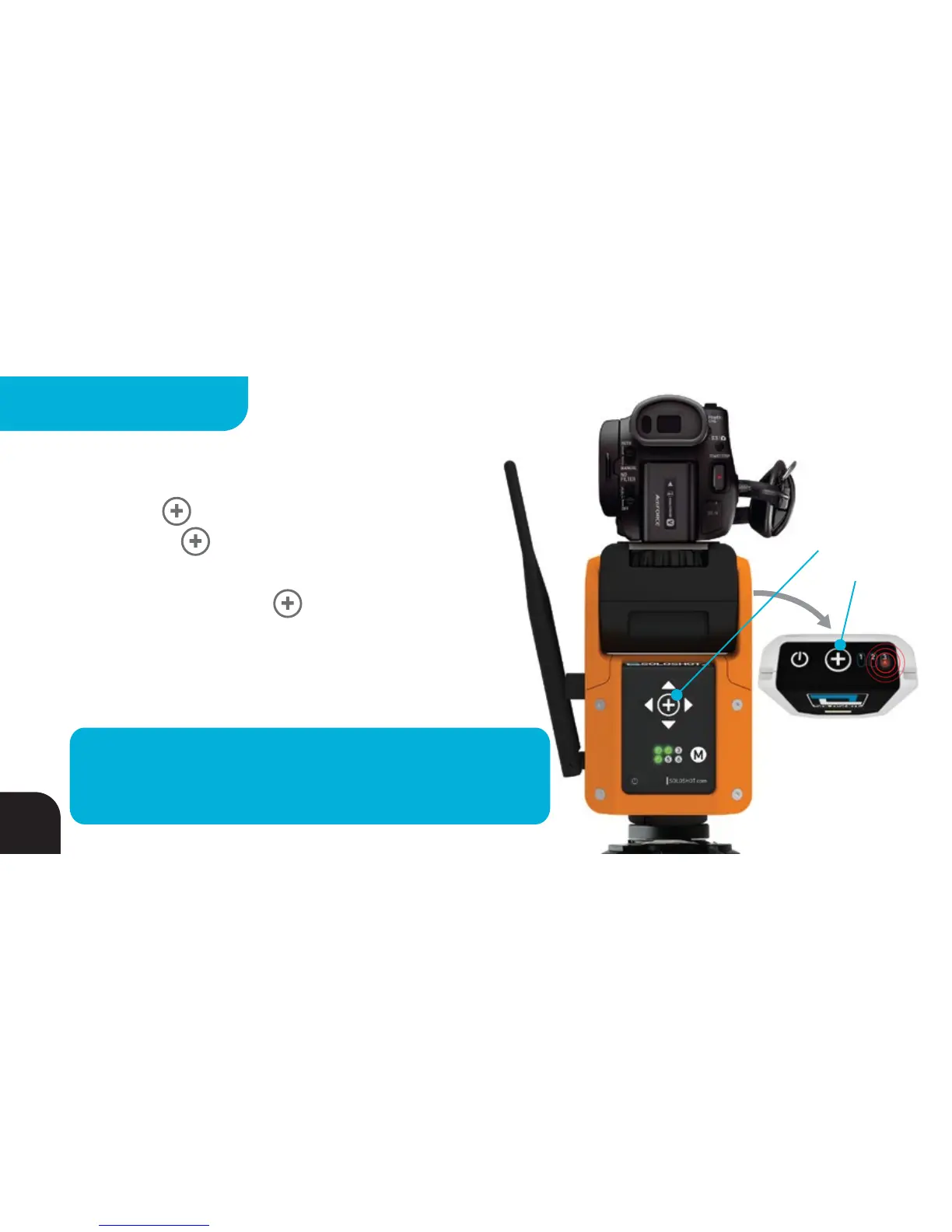
Press and Hold
on Base and
Extra Tag
Add New Tags Using A Base
Press & hold the BUTTON on an already calibrated Base
before pressing the BUTTON on the Tag you would like to
add to the system. LEDs 1, 2 and 3 on the Tag will briefly turn
GREEN, then RED. Release the BUTTONs and LEDs 1, 2 and
3 will turn GREEN for 2 seconds, followed by LED3 blinking RED
(Tag warm) or solid RED (Tag not yet warm). Repeat for additional
Tags that you would like to add to the system.
TIP – You can pair tags to a calibrated Base or to other
paired Tags before they are warm. This is convenient for
events where you are handing out lots of Tags!
34
MULTIPLE TAGS



 To Next Page