34
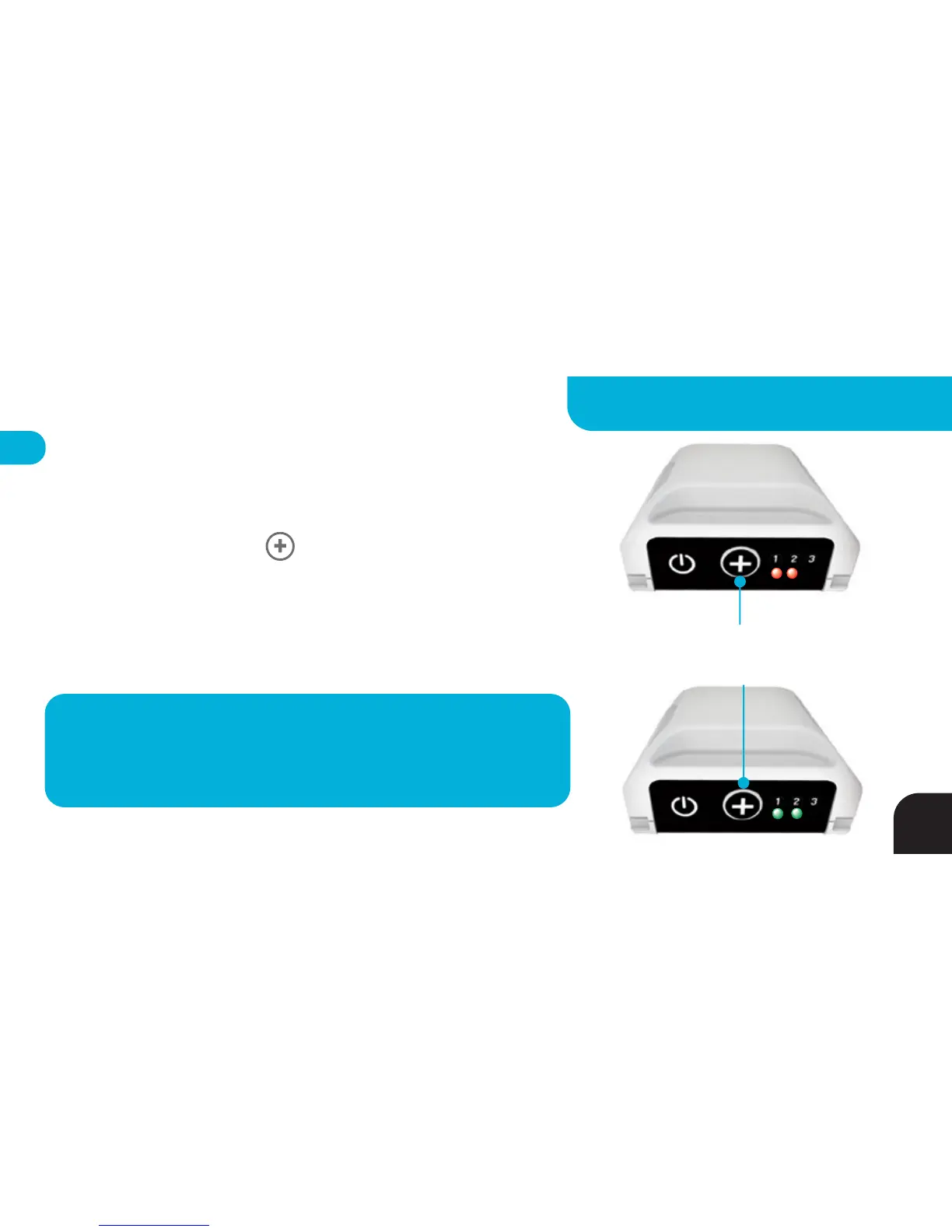
Tag - Hide Me Command
LED3 will either blink RED (camera recording) or GREEN (camera on
standby) when radio is ON. You may turn OFF your Tag’s radio at any
time by quickly pressing the BUTTON twice. LEDs 1, 2 and 3 will
briefly turn GREEN, then LED1 and LED2 will turn solid RED (camera
recording) or solid GREEN (camera on standby). Repeat this procedure
to power your Tag’s radio back ON.
TIP
– Need a rest? Toggle radio off to save battery while keeping the Tag
warm & paired. Filming in Multi Mode? Use Hide Me Mode to
momentarily hide a Tag from the Base. Simply toggle the radio back on
to rejoin the action.
Press Two Times
to Toggle Radio ON/OFF
*
25
ADVANCED SETTINGS - TAG



 To Next Page