LED 2
Specialty Settings
GREEN = Standard Mode (default) – Base tracks Tag based on
LED#1 setting.
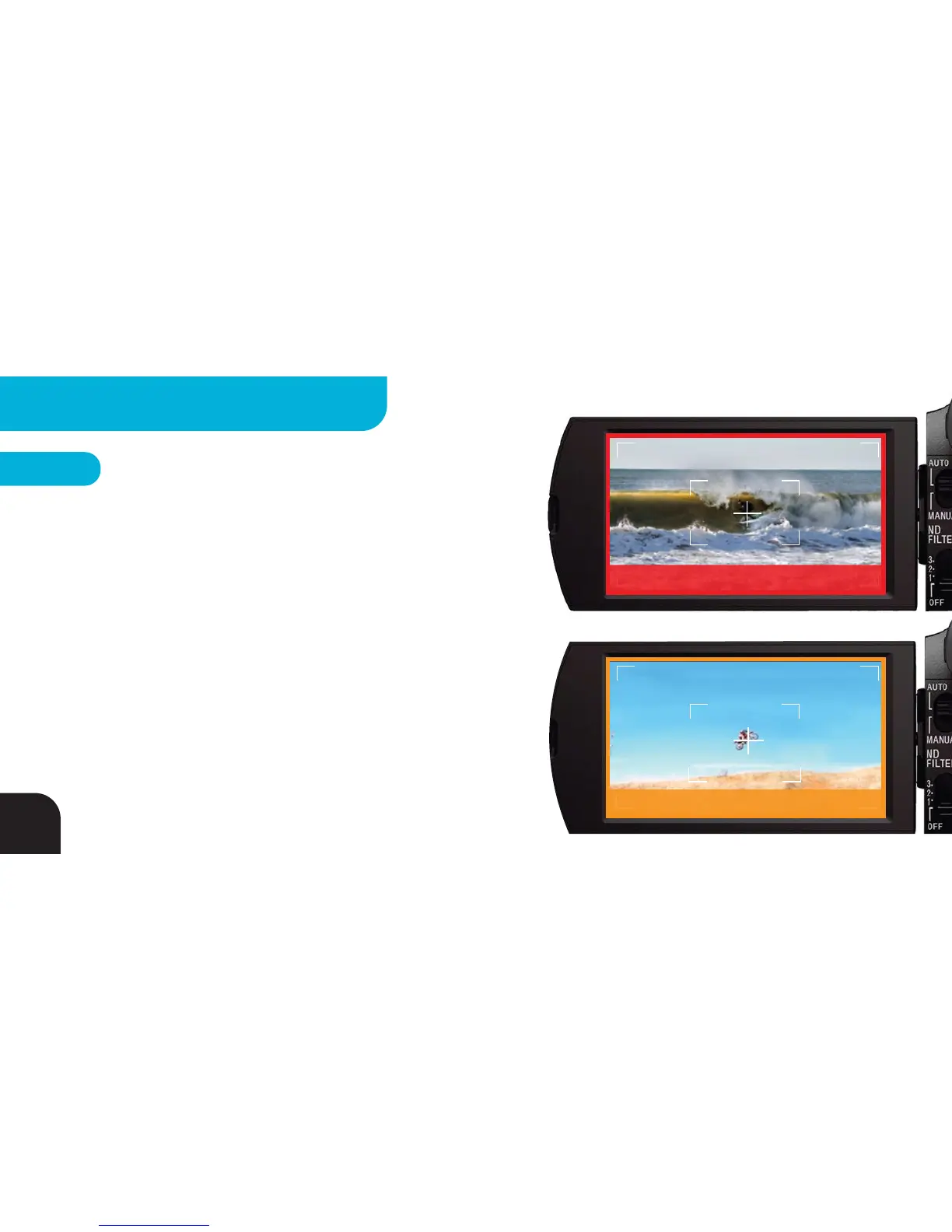
RED = Barrel Mode – Base assumes lost communication with Tag
is due to getting barreled and continues to track for 8 seconds or
until communication with Tag is reestablished.
ORANGE = Jump Detection Mode – Designed for activities that
include large jumps on a mostly level surface, like kiteboarding,
BMX or motocross. Jump Detection adds jump-based tilt to Surf &
Turf mode so you can get tighter shots AND capture the jumps.
Suggested framing for Barrel Mode
Suggested framing for Jump Detection Mode
(NOT available in Big Altitude Mode)
16
ADVANCED SETTINGS - BASE



 To Next Page