LED 3
Zoom Settings
*Only available when Camera Controller is connected.
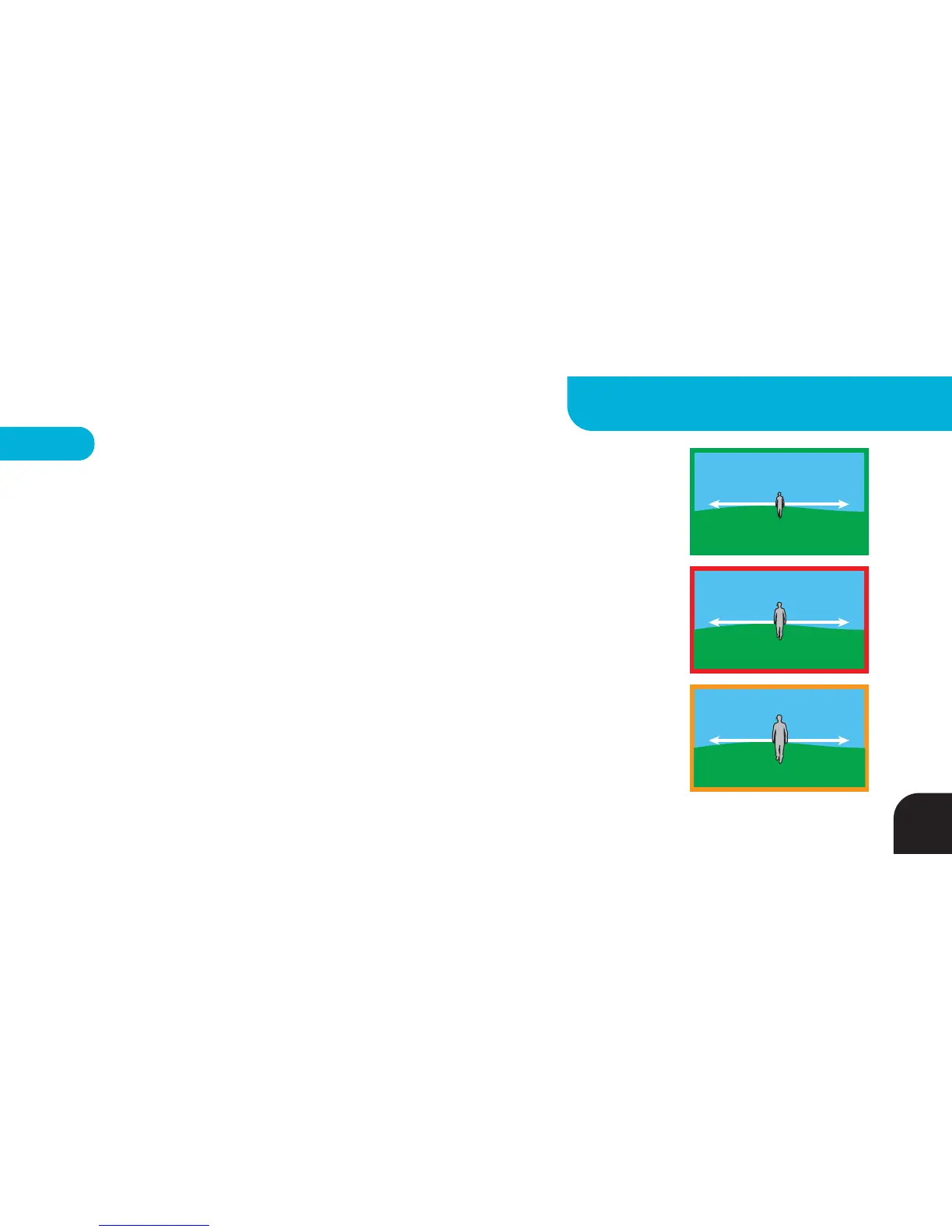
GREEN = Wide Frame Mode – Camera Controller automatically adjusts zoom AND tilt
to maintain a wide shot as the Tag moves closer to or farther away from the Base
RED = Medium Frame – Camera Controller automatically adjusts zoom AND tilt to
maintain a medium width shot as the Tag moves closer to or farther away from the Base
ORANGE = Tight Frame Mode - Camera Controller automatically adjusts zoom AND
tilt to maintain a tight shot as the Tag moves closer to or farther away from the Base
NOTE: The subject is less likely to stay centered in the frame as the shots get tighter.
Over-aggressive zooming in some situations can cause the subject to periodically go
out of the frame. In Big Altitude Mode all of the zoom setting frame sizes are 50%
larger than in the Surf & Turf and Pan Only modes.
WIDE
MEDIUM
TIGHT
17
ADVANCED SETTINGS - BASE



 To Next Page