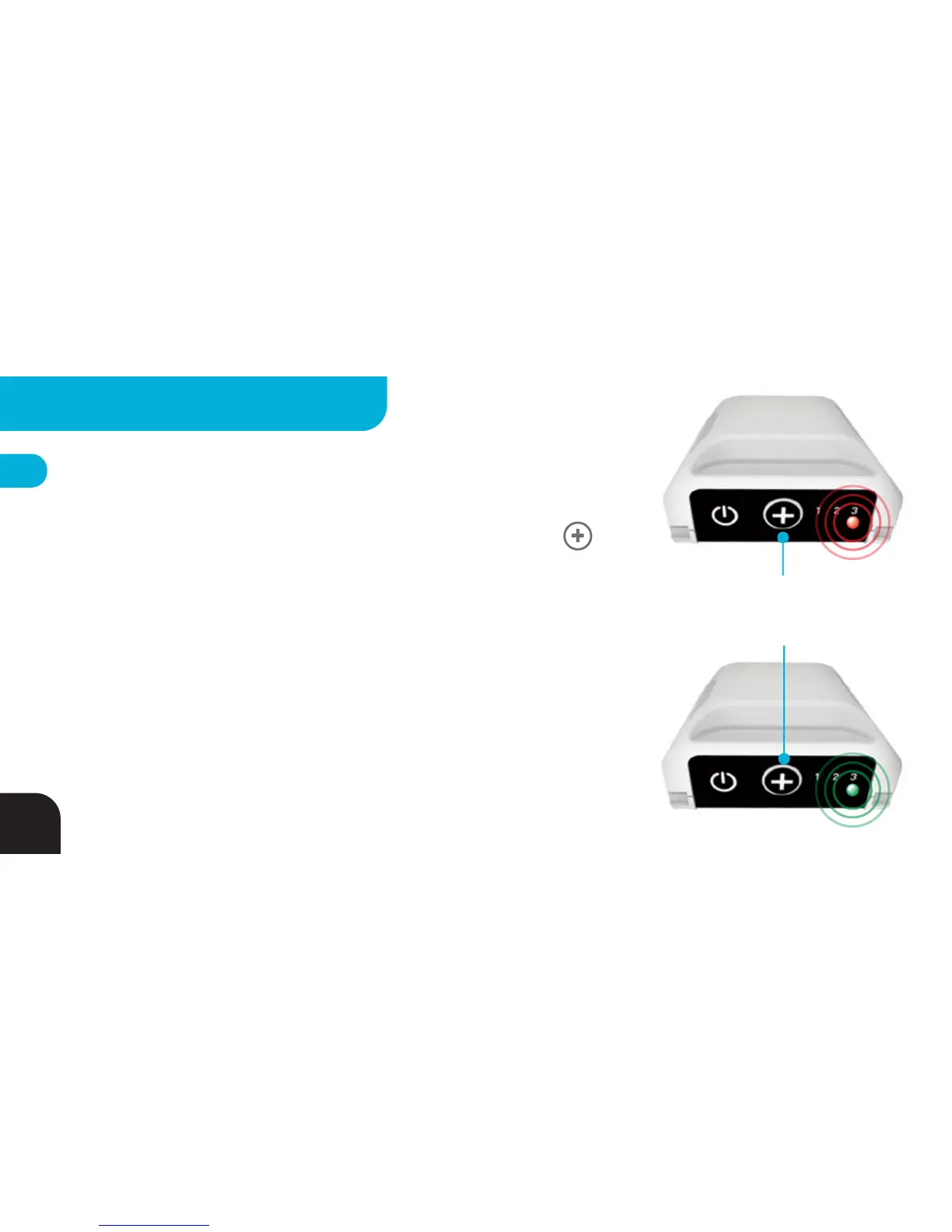
Tag - Record ON/OFF Command*
By default, your Tag broadcasts a record command as indicated by LED3 blinking
RED. You can tell your camera to go to standby by holding down the
BUTTON for 2 seconds until LED3 blinks GREEN. Remember: RED = record!
Your Base’s tracking LED normally blinks GREEN like this:
“blink-blink------blink-blink------blink-blink...”
When a Camera Controller is properly attached and your Base receives a record
command, the LED will switch to an extended single blink:
“bliiiiink---bliiiiink---bliiiiink...”
*YOUR CAMERA WILL ONLY RESPOND TO THIS COMMAND IF:
1. YOU ARE USING THE CAMERA CONTROLLER ACCESSORY
2. YOU ARE USING A SUPPORTED CAMERA
3. YOUR TAG IS IN RANGE!
Press and Hold
to Toggle Recording
ON/OFF
*
24
ADVANCED SETTINGS - TAG



 To Next Page