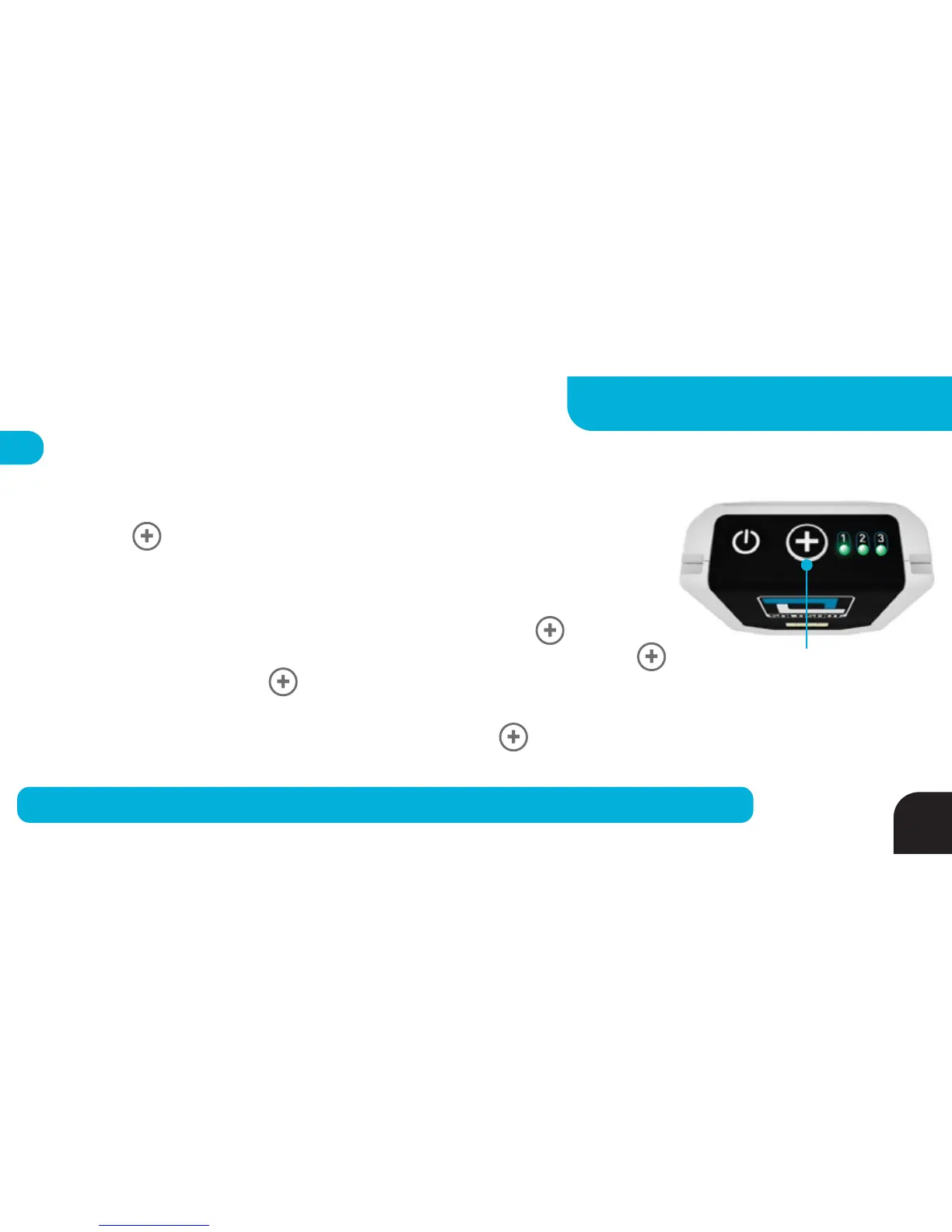
For best results, select a centering object that is further away than the activity you will be filming.
Tag - Capture Centering Object Command*
*For use when calibrating multiple Bases (sold separately) using a single Centering Object.
After “walking about” with your warm Tag, proceed to the Centering Object and
Press the BUTTON 4 times in rapid succession. LEDs 1-3 will turn GREEN for 2
seconds before going back to their previous state indicating you have stored the
Centering Object in your Tag for use later in your session.
Use this stored Centering Point to calibrate a Base by pressing the BUTTON of
the Tag until LED 1 turns GREEN (after 7 seconds). Continue pressing your Tag’s
BUTTON and also press the BUTTON on the Base that has been prepared for
calibration (meaning the Base is pointed at the shared Centering Object). You may
capture a NEW Centering Object at any time by pressing the BUTTON 4 times
rapidly. Capture Centering Object Command simplifies the set up of multiple Bases!
Press Four Times (4x) to
“Capture” Centering Object.
Press & Hold for 7 Seconds
to use Centering Object
*
27
ADVANCED SETTINGS - TAG



 To Next Page