Tag - Multi Mode Follow Me Command
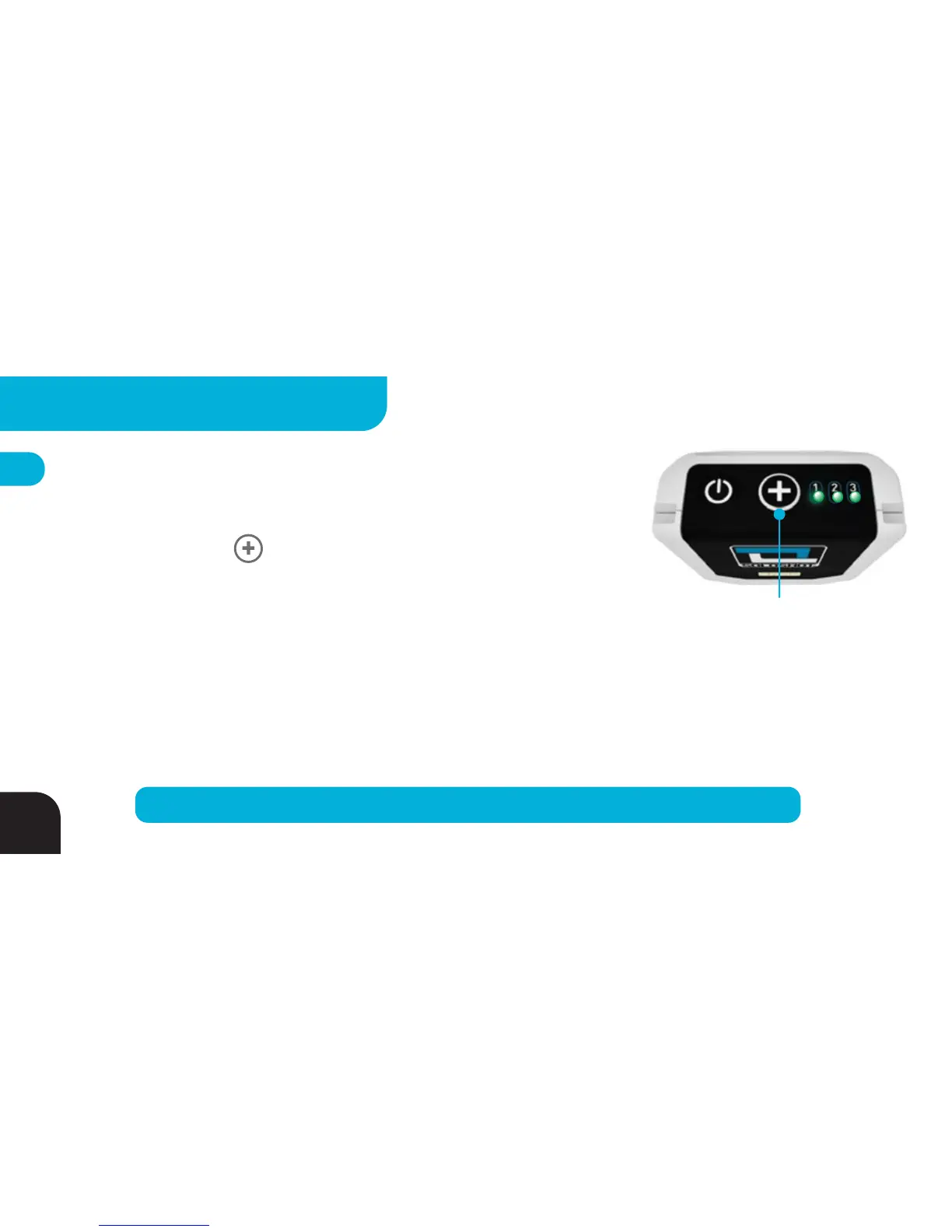
Tell all Bases set to “Multi Mode + Follow Me ” (pg 34) to follow your Tag by:
1. Quickly pressing the BUTTON (will NOT automatically start recording)
2. Tapping the TOP WHITE SURFACE surface of your Tag three times
quickly (will automatically start recording)
LEDs 1, 2 and 3 will flash GREEN before LED3 returns back to blinking RED (camera recording) or GREEN (camera
standby). Look towards the Base for the blinking GREEN Tracking LED to confirm the Base is now pointing at you. To
ensure that the camera is always recording when pointed at your Tag, keep your Tag in record mode (LED3 blinking
RED) or use the “tripple tap” to call the camera (automatically starts recording).
Press Once to Call Base
*
TIP
– Use the “Tap to Call” method so you don’t have to look at your Tag or the “+” BUTTON.
26
ADVANCED SETTINGS - TAG



 To Next Page