Calibrating in Big Altitude Mode
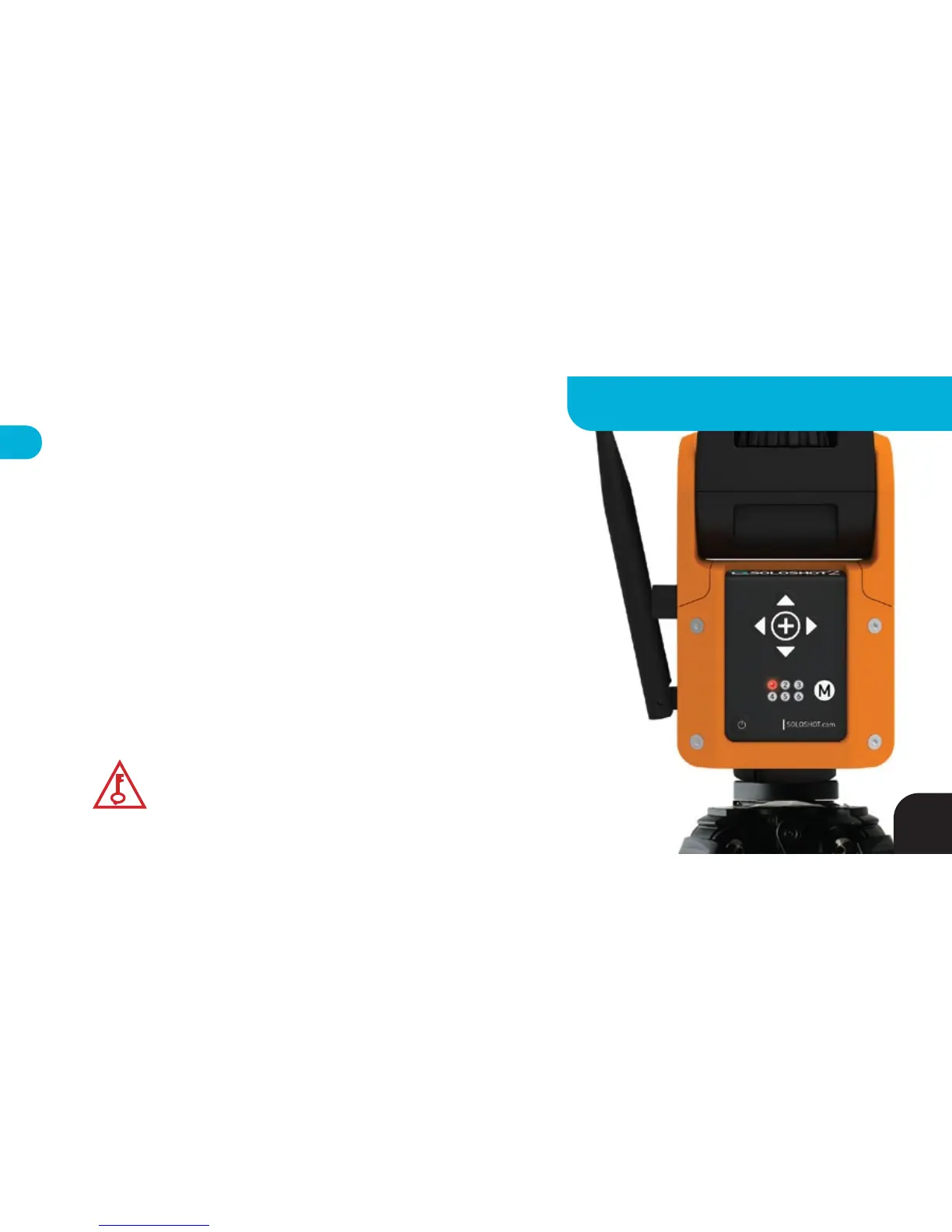
Use the POWER and MODE buttons on your Base to set LED1 to RED and
perform Setup Steps 5 & 8 with the following alterations:
Step 5 - Use wider framing since vertical tracking is less accurate.
Step 8 - Walk for at least 100-150 steps prior to pairing with Base for best
vertical tracking results.
NOTE: If you calibrate in Surf & Turf Mode, you can toggle to Big Altitude
Mode later, but if you calibrate in Big Altitude Mode you should not switch to
Surf & Turf Mode because the Base will not track properly.
*
KEY TIP
Go for a longer walkabout to improve tracking accuracy
when using Base in Big Altitude Mode.
23
ADVANCED SETTINGS - BASE



 To Next Page